Available in:
Basic
WireframePro
IdeaBoard
Bundle Plan
Enterprise
Give your IdeaBoard a fresh look by changing the background - choose colors, grids, or image backdrops that make your board more inspiring to work on.
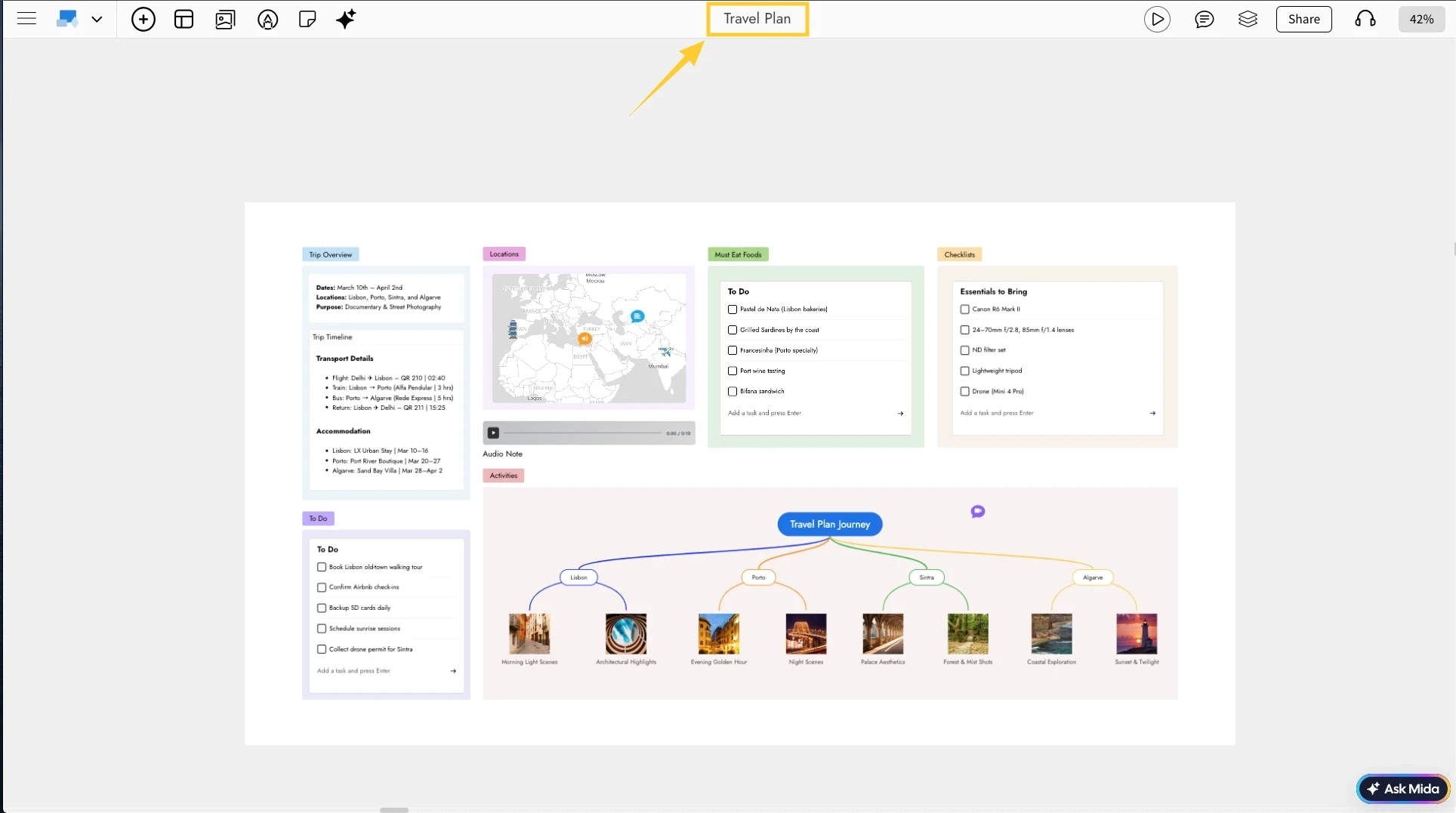
1In the IdeaBoard editor, click the board name at the top.
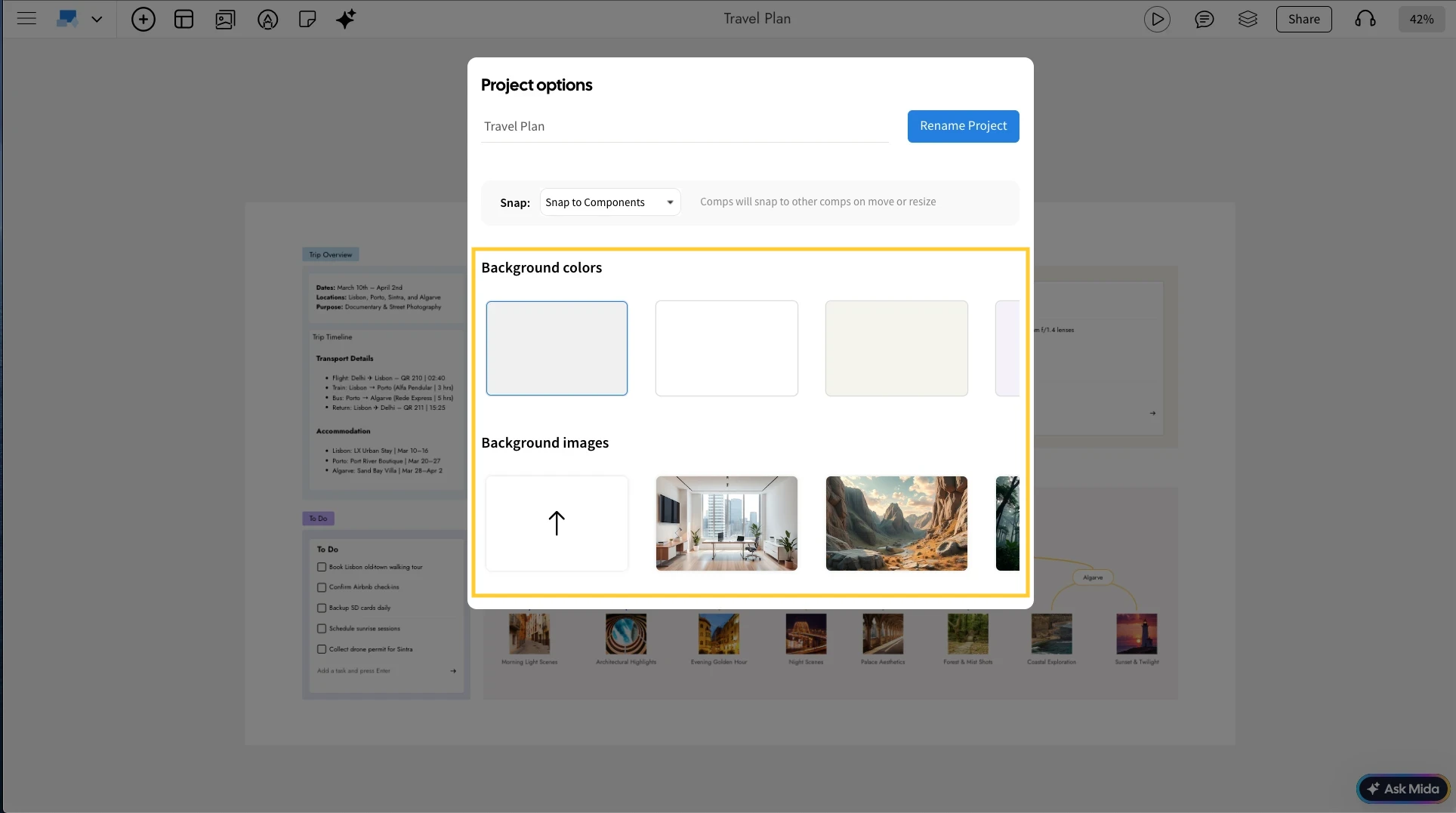
2Choose a background using either an image or solid colors.
3You can also upload custom images by opening the Image Library.
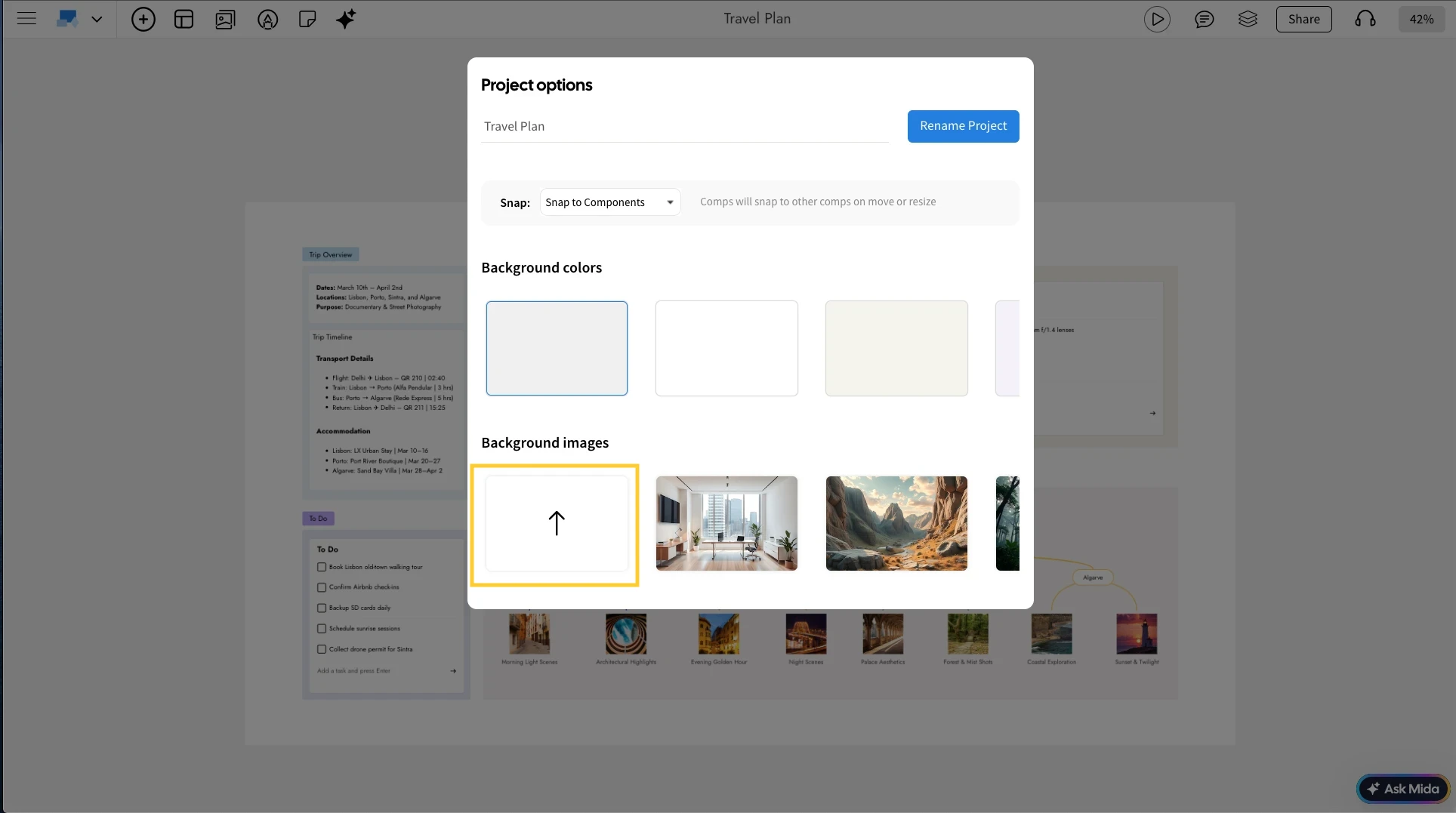
4Once you click an image or color, it will be instantly applied as the background.


