Follow these steps below to delete a project inside MockFlow Design Space.
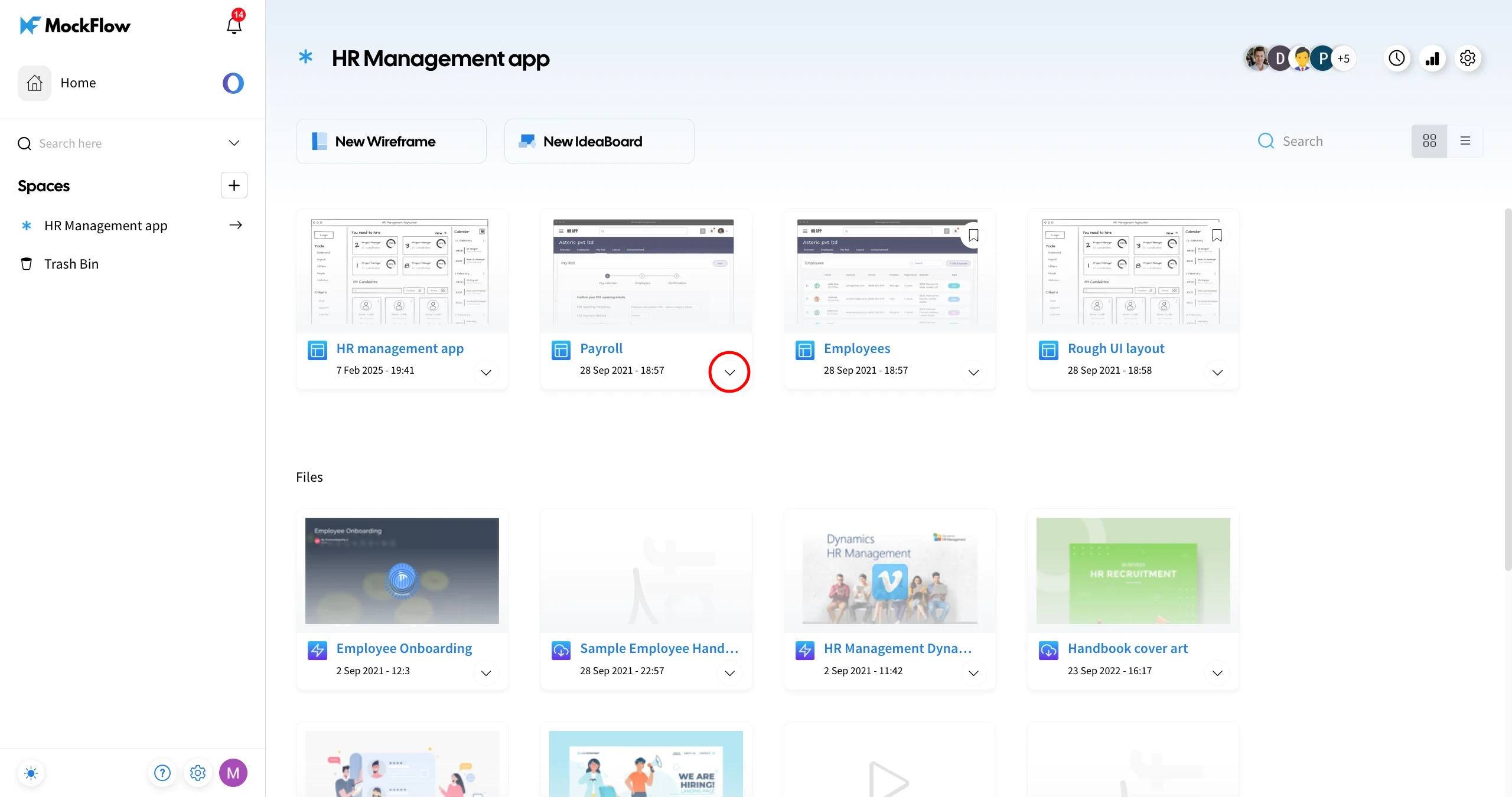
1Select the project you want to delete and click on the More options dropdown.
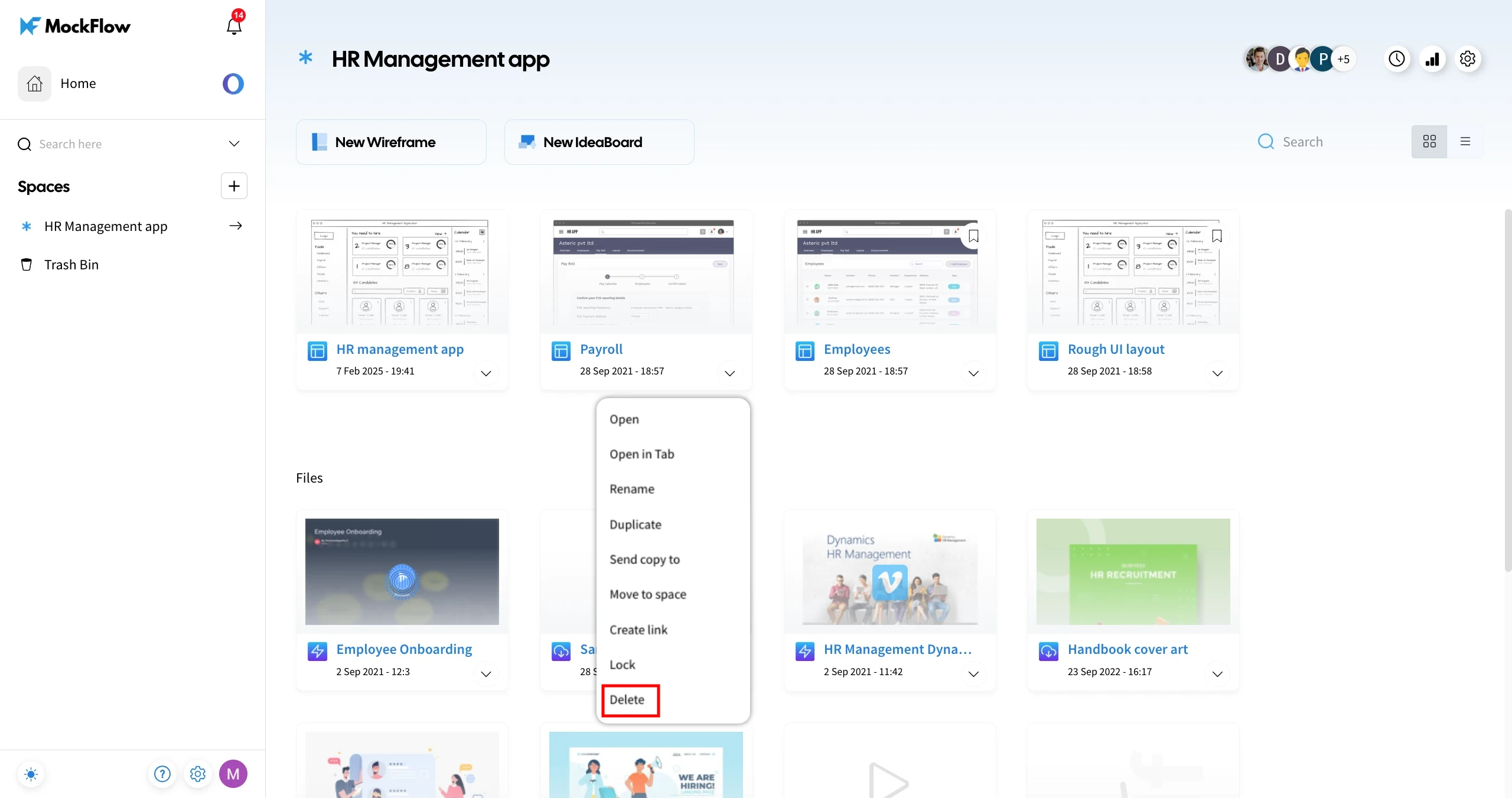
2Choose 'Delete' from the available options.
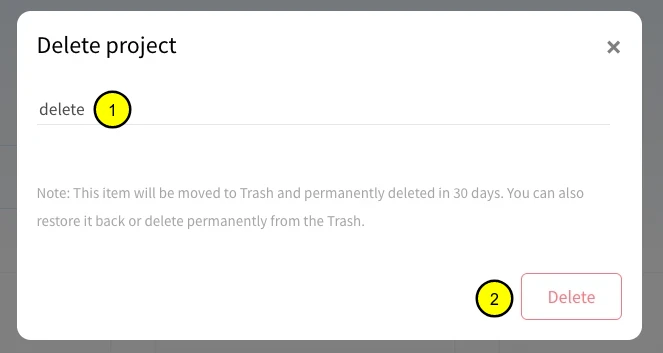
3In the confirmation modal, enter 'delete' in the input field and click Delete to confirm.
4The project will be deleted and moved to the 'Trash Bin' under the Spaces section.
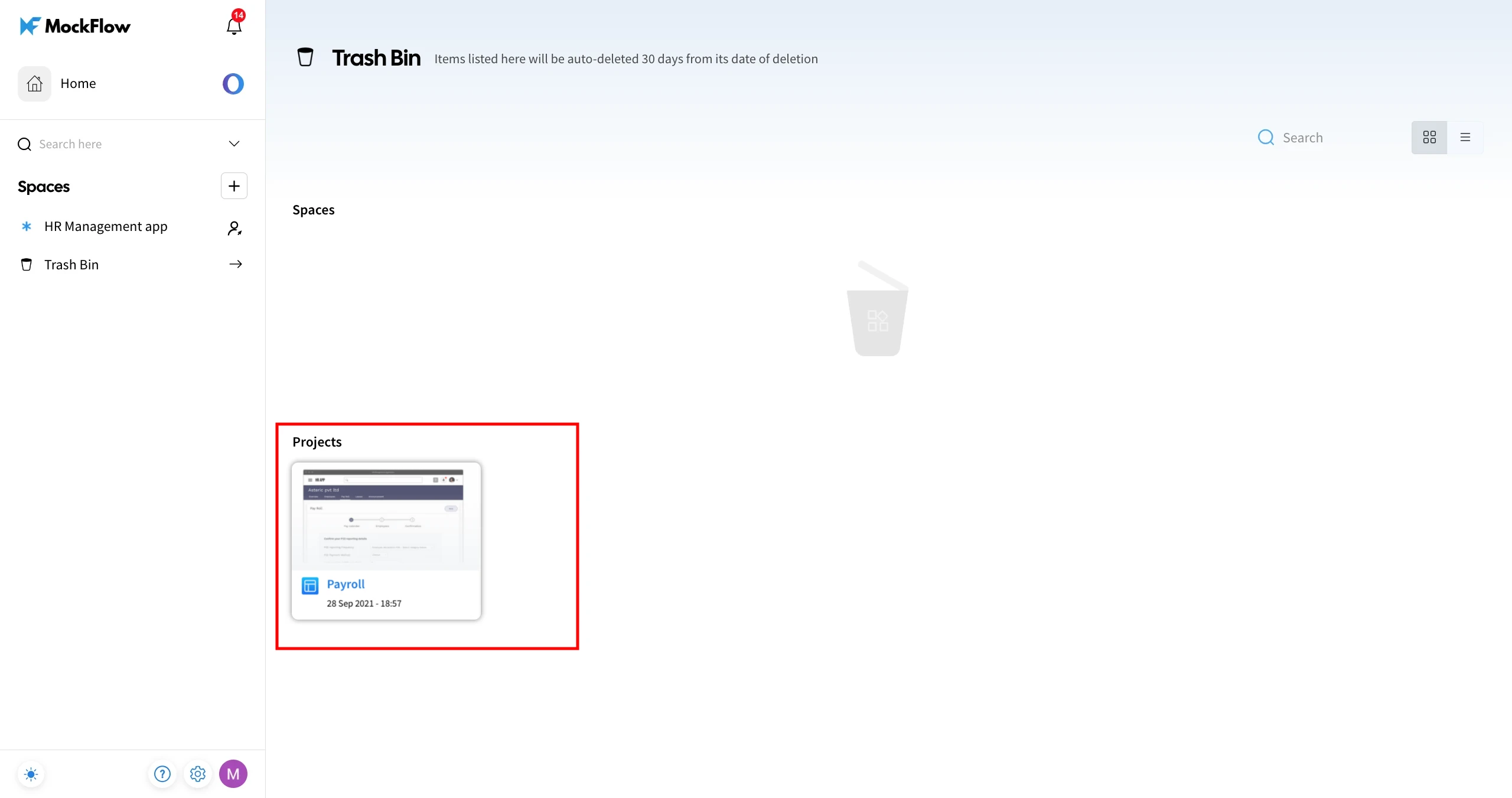
To restore a deleted project from the Trash Bin, check out this article.


