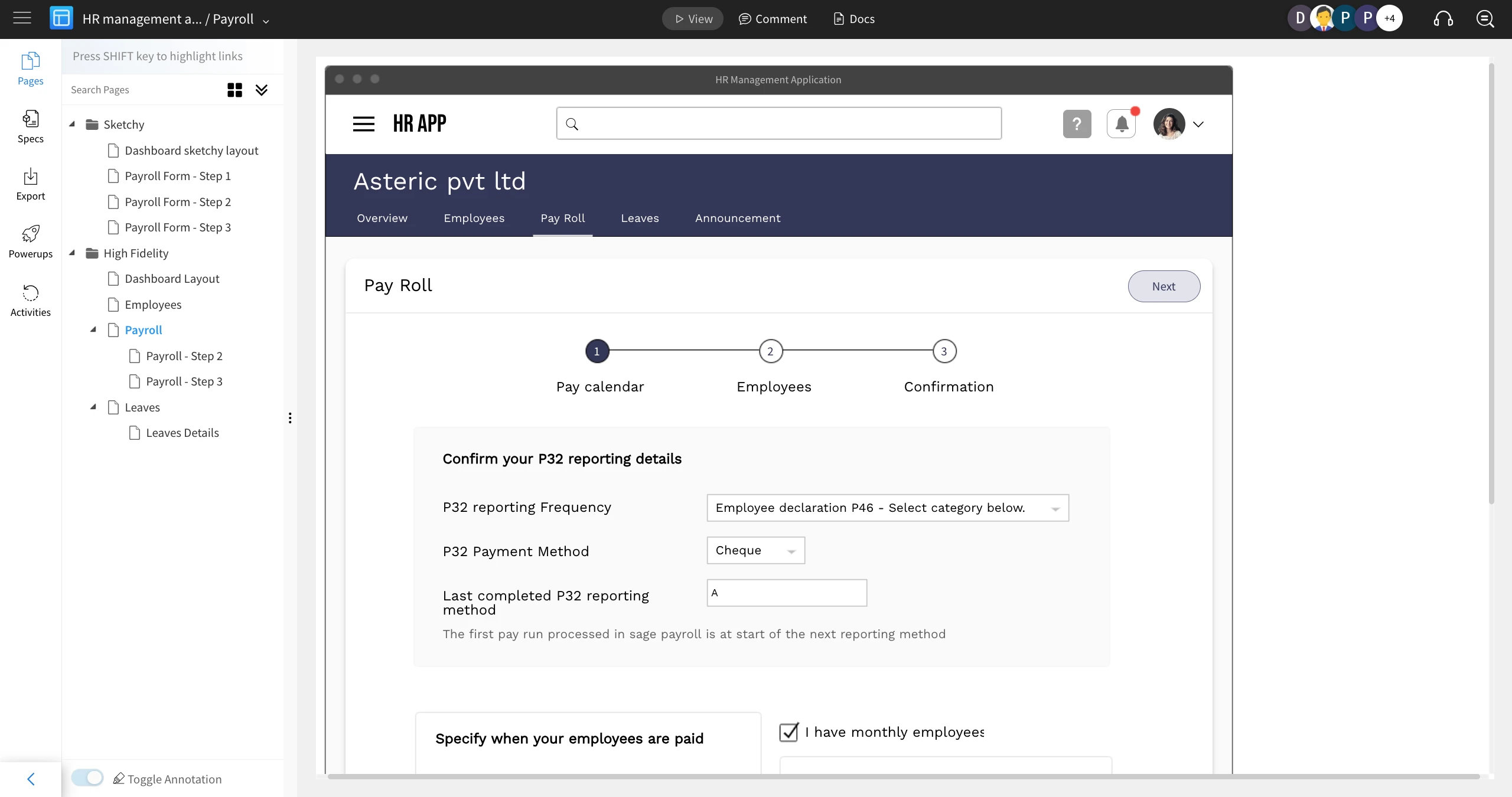
'Lock project' can be used to prevent unintended edits, ensure design consistency, and protect critical projects from accidental changes.
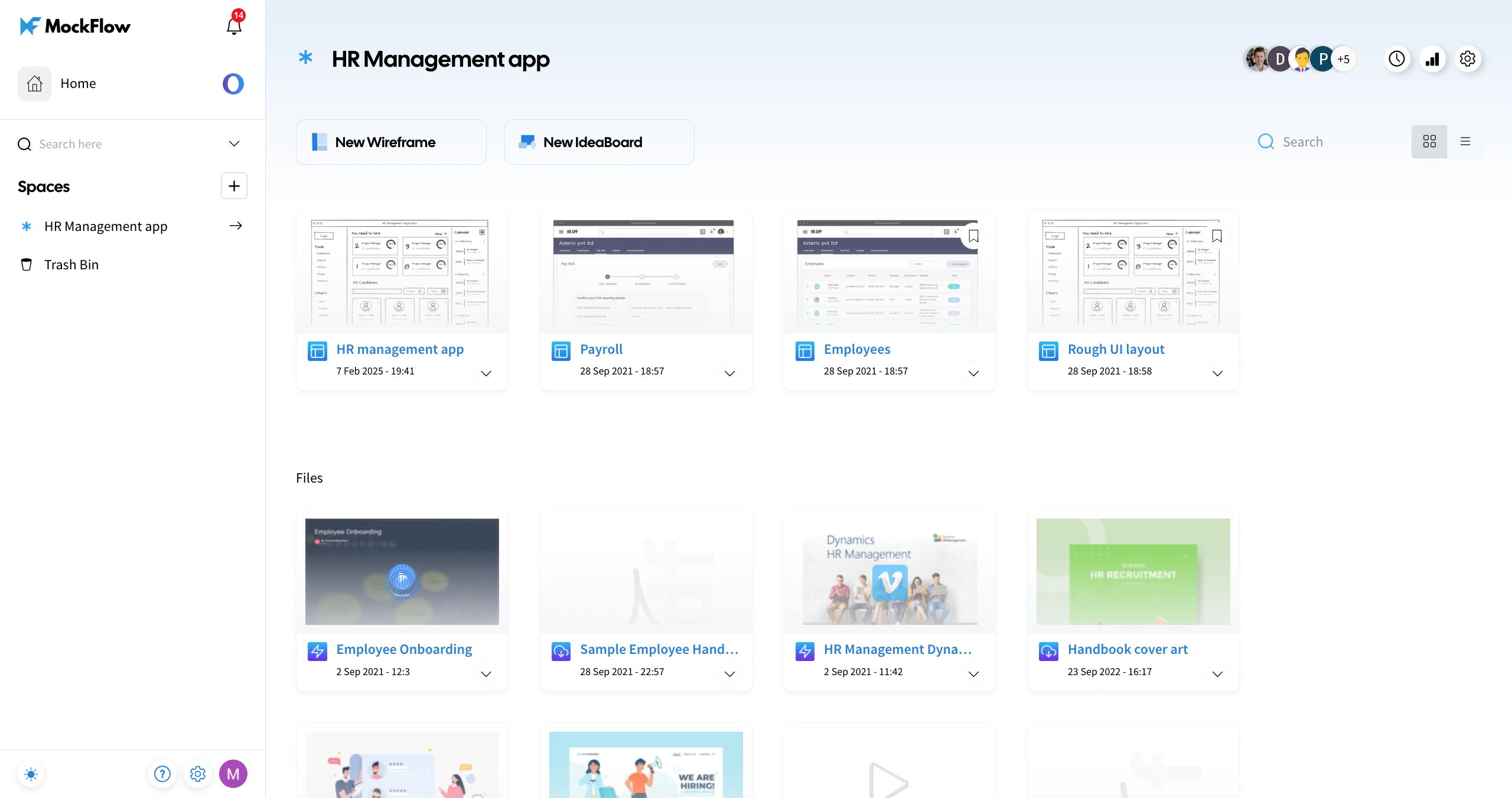
1Navigate to a Design Space and select the project you want to lock.
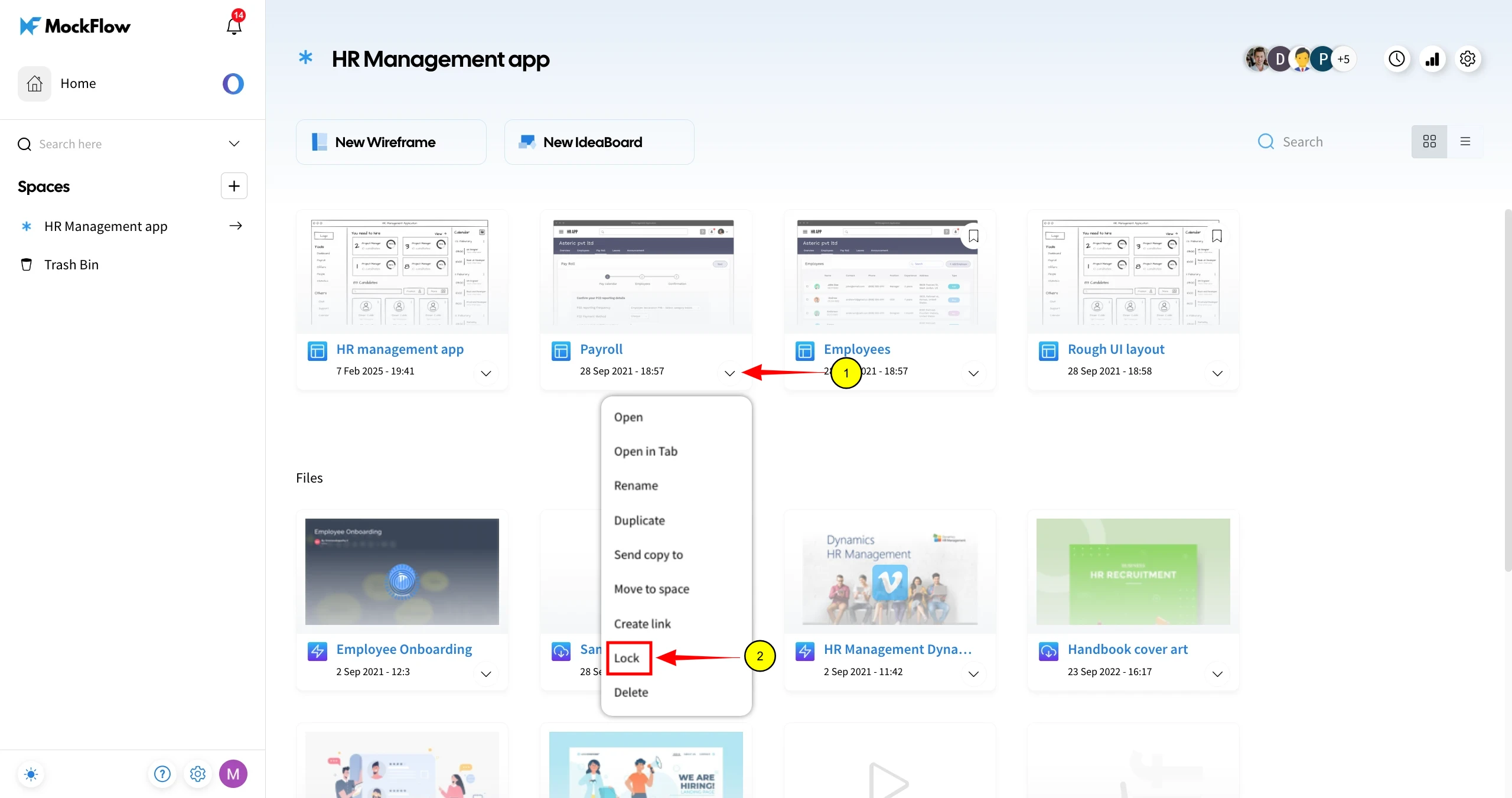
2Click on the More options dropdown and choose Lock.
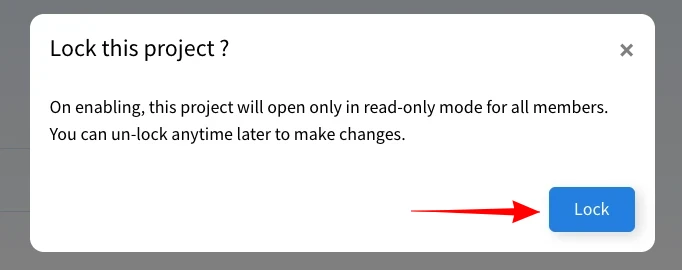
3Confirm by clicking Lock in the confirmation modal.
4A Lock symbol will appear on the project thumbnail, indicating it is locked.

5The project will be locked and accessible in view-only mode for all members in the Design Space.