Available in:
Basic
WireframePro
IdeaBoard
Bundle Plan
Enterprise
Convert design comments into resolved to-do items using the Resolve feature. Follow the steps below to resolve a comment:
1 Select 'Comment' from the top menu.
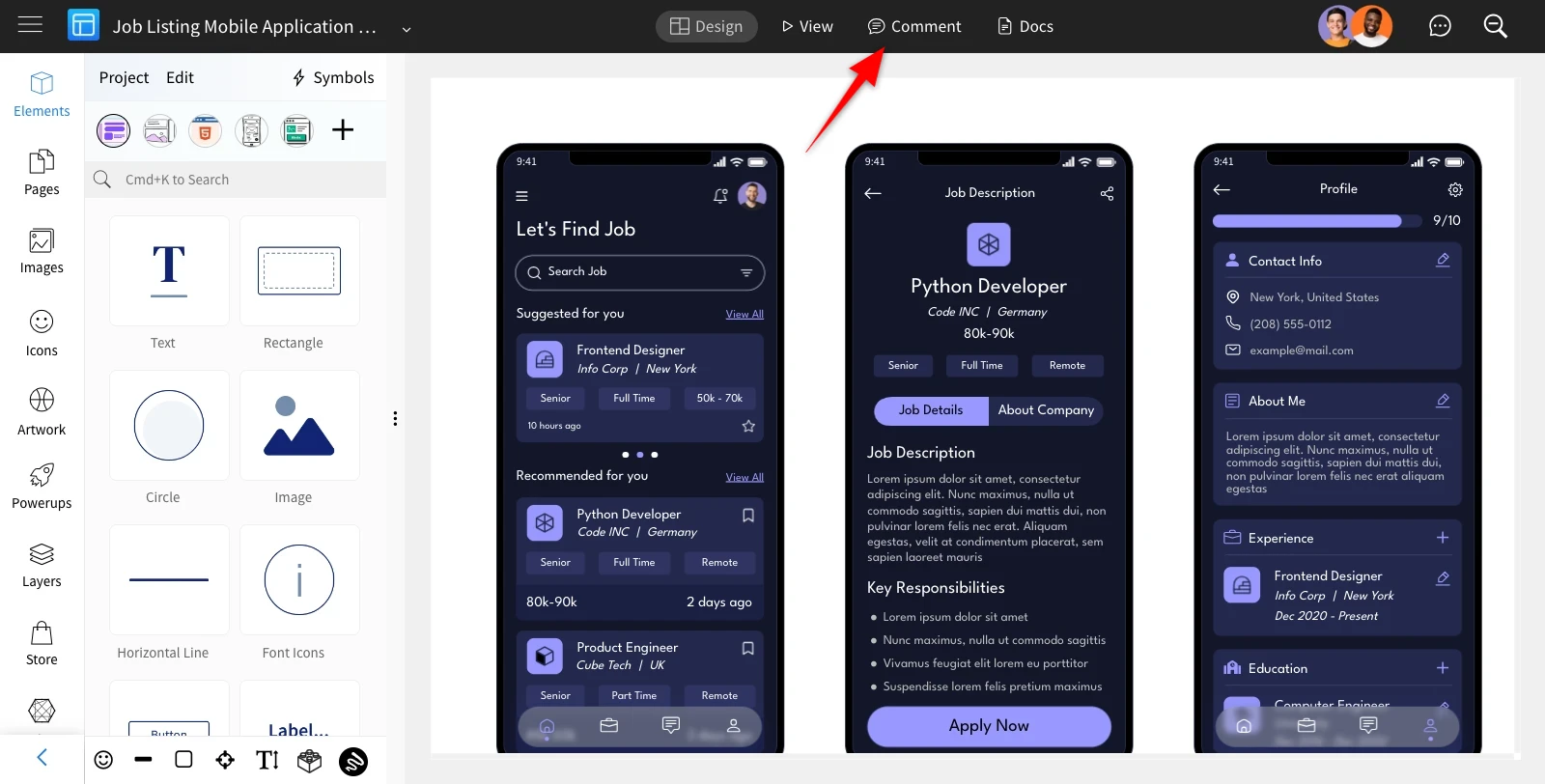
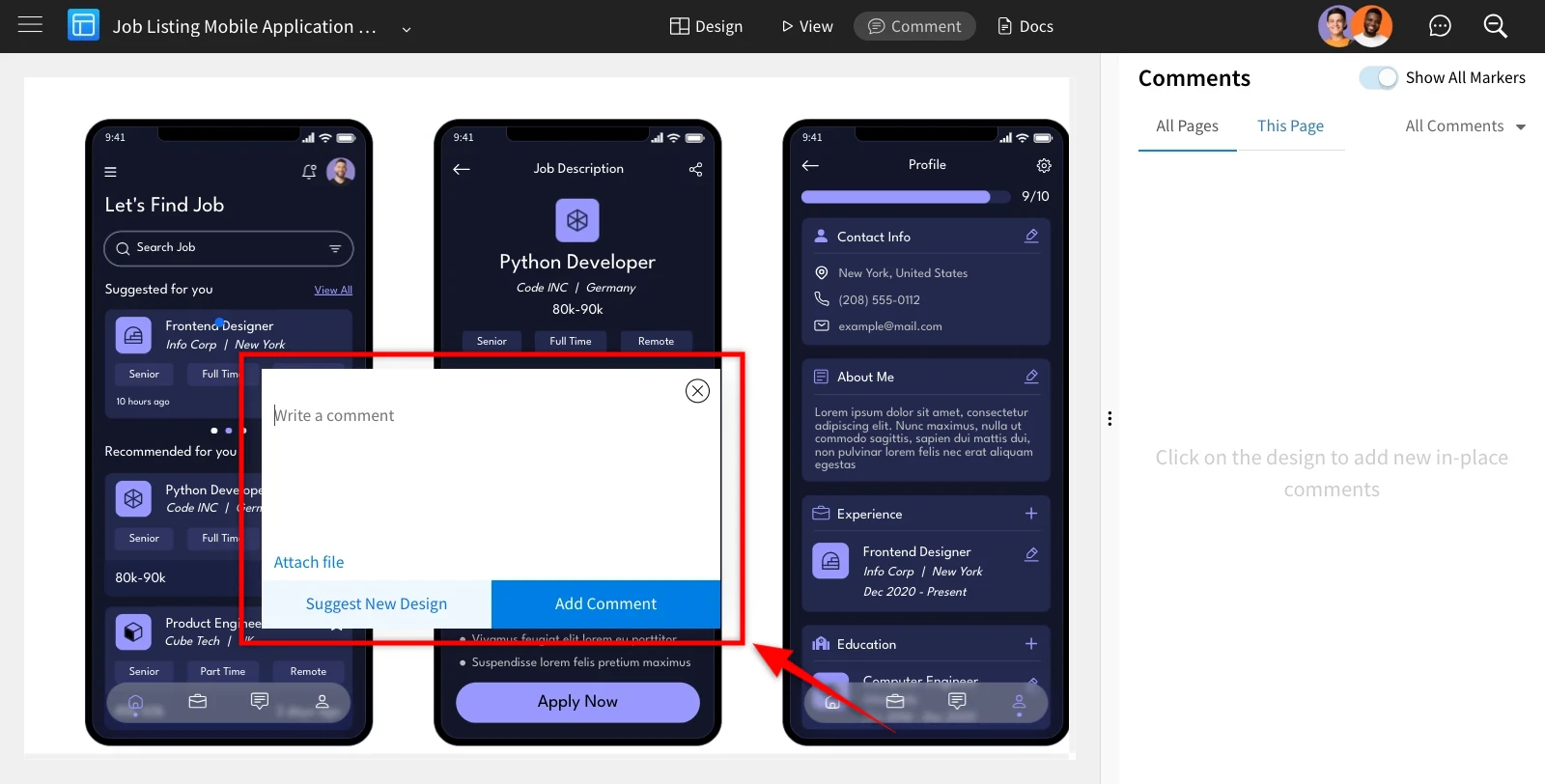
2 Utilize the comment cursor to interact with the page model; you can add comments just by clicking on it.
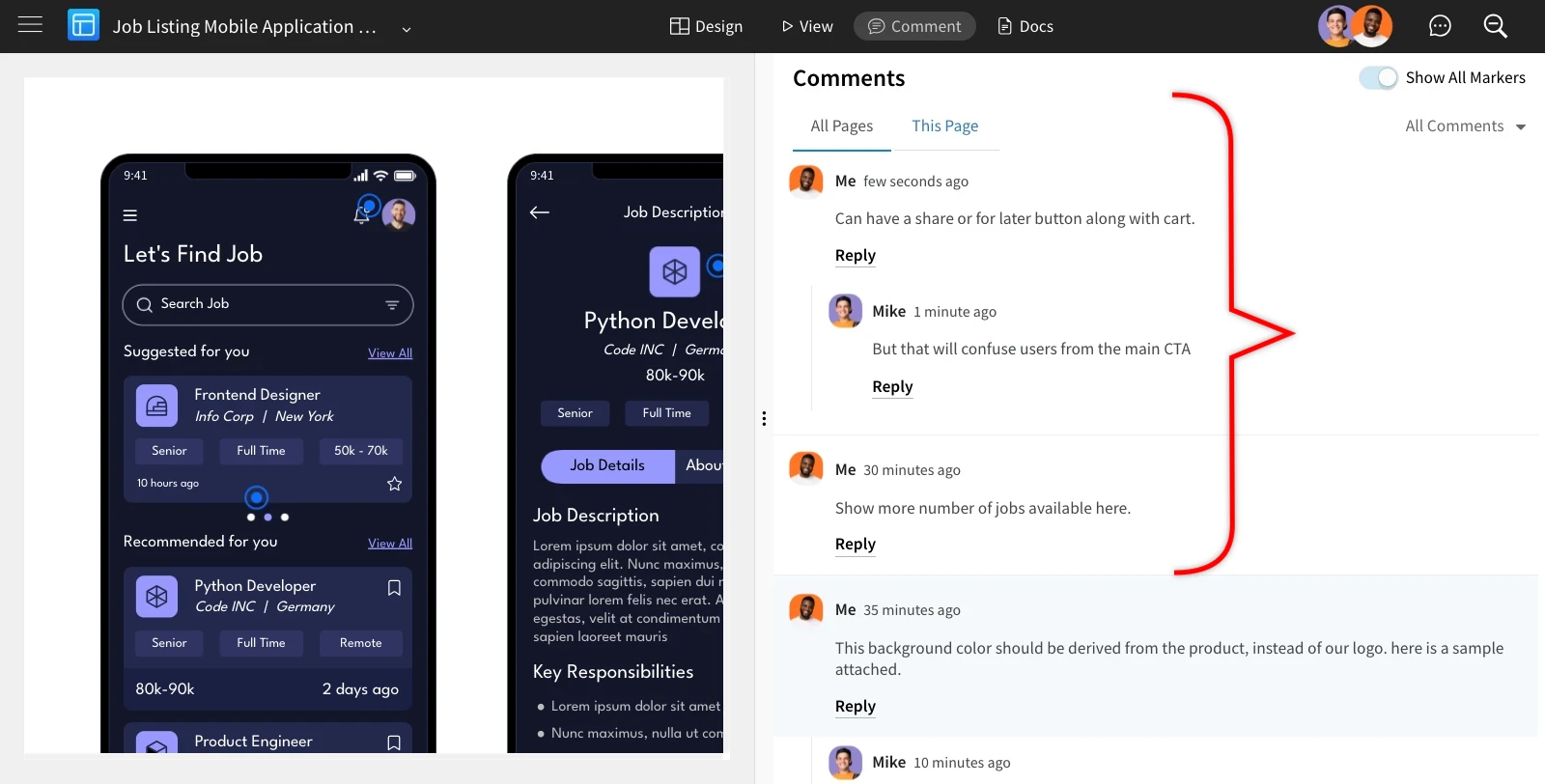
3The comments will be added immediately.
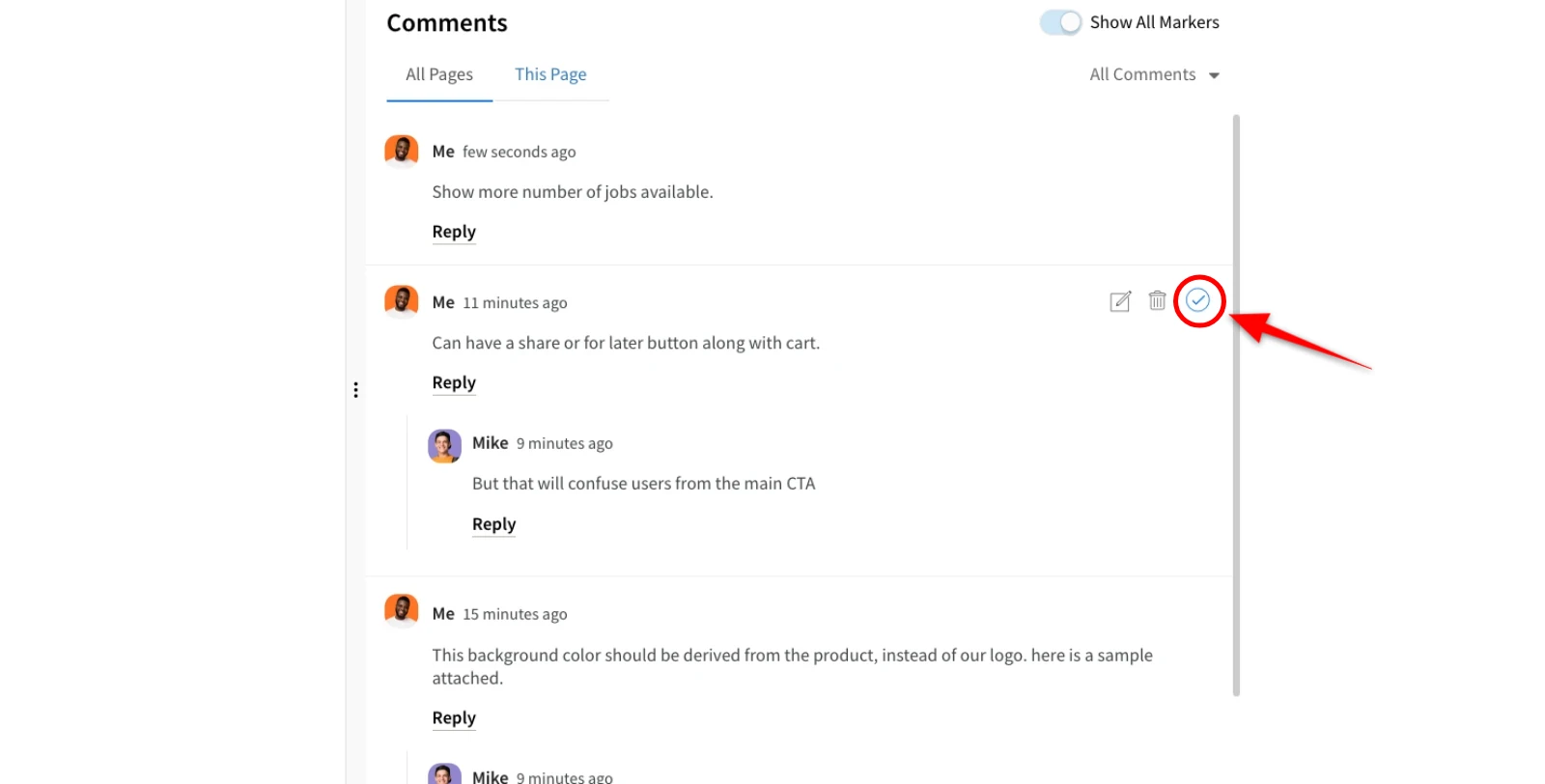
4 Hover over a comment with your cursor to reveal the 'Resolve' option, then click on it.
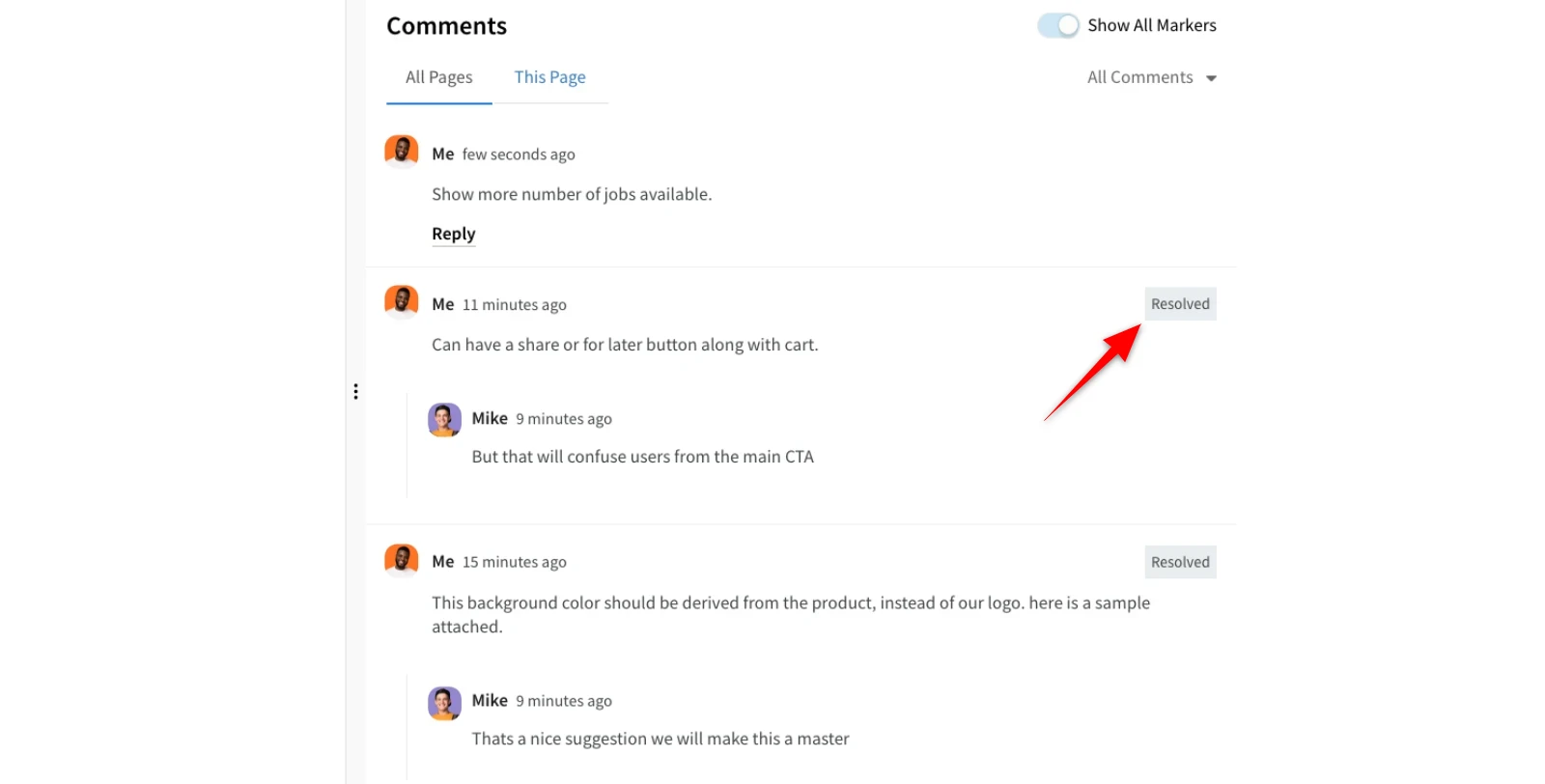
5Once you click Resolve, the comments will be marked as 'Resolved.'
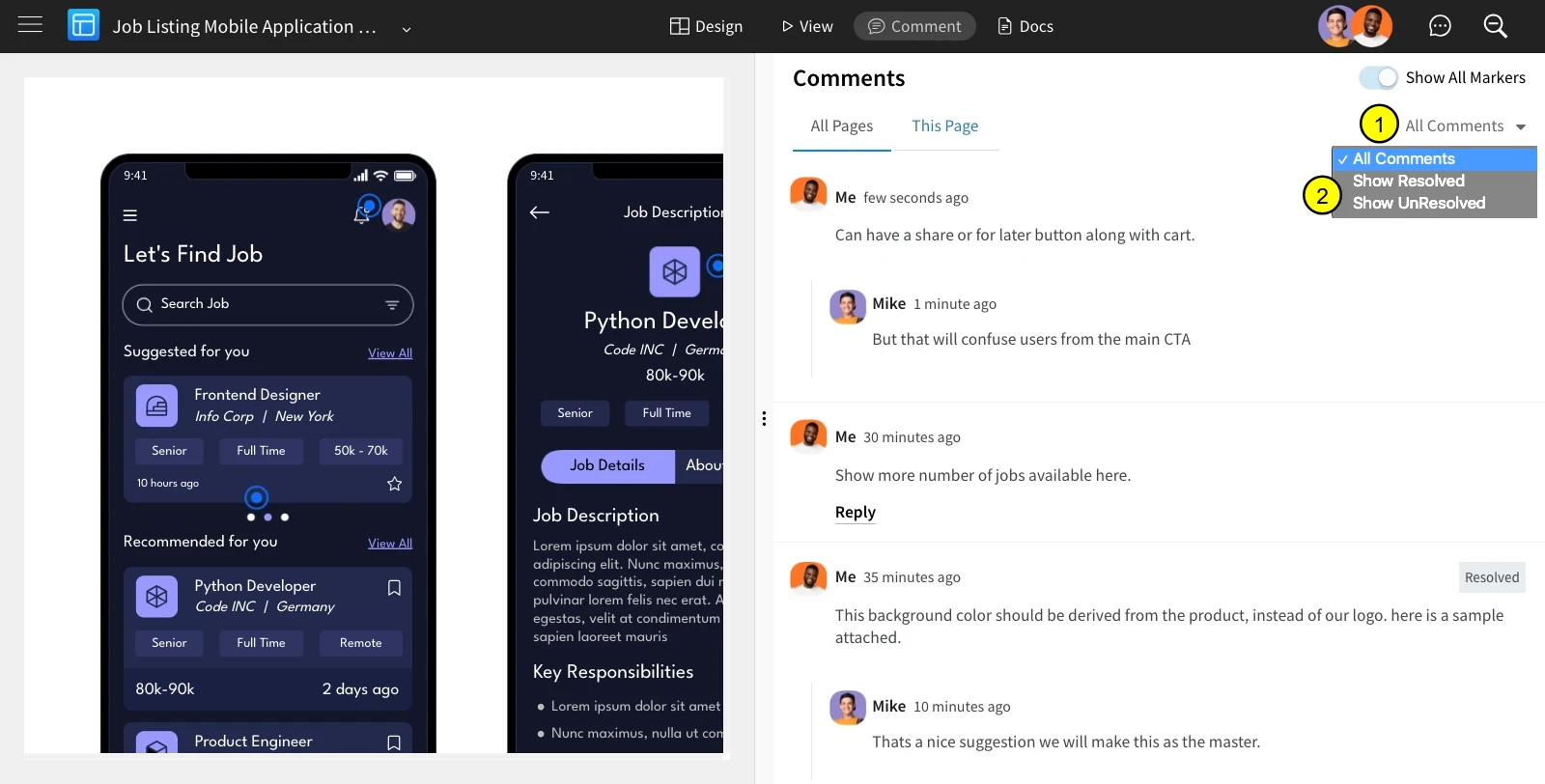
6Filter comments by clicking the 'All Comments' dropdown, where you can choose between 'All Comments,' 'Show Resolved,' and 'Show Unresolved.'