Any deleted project can be restored from the Trash Bin within 30 days, by following the steps below.
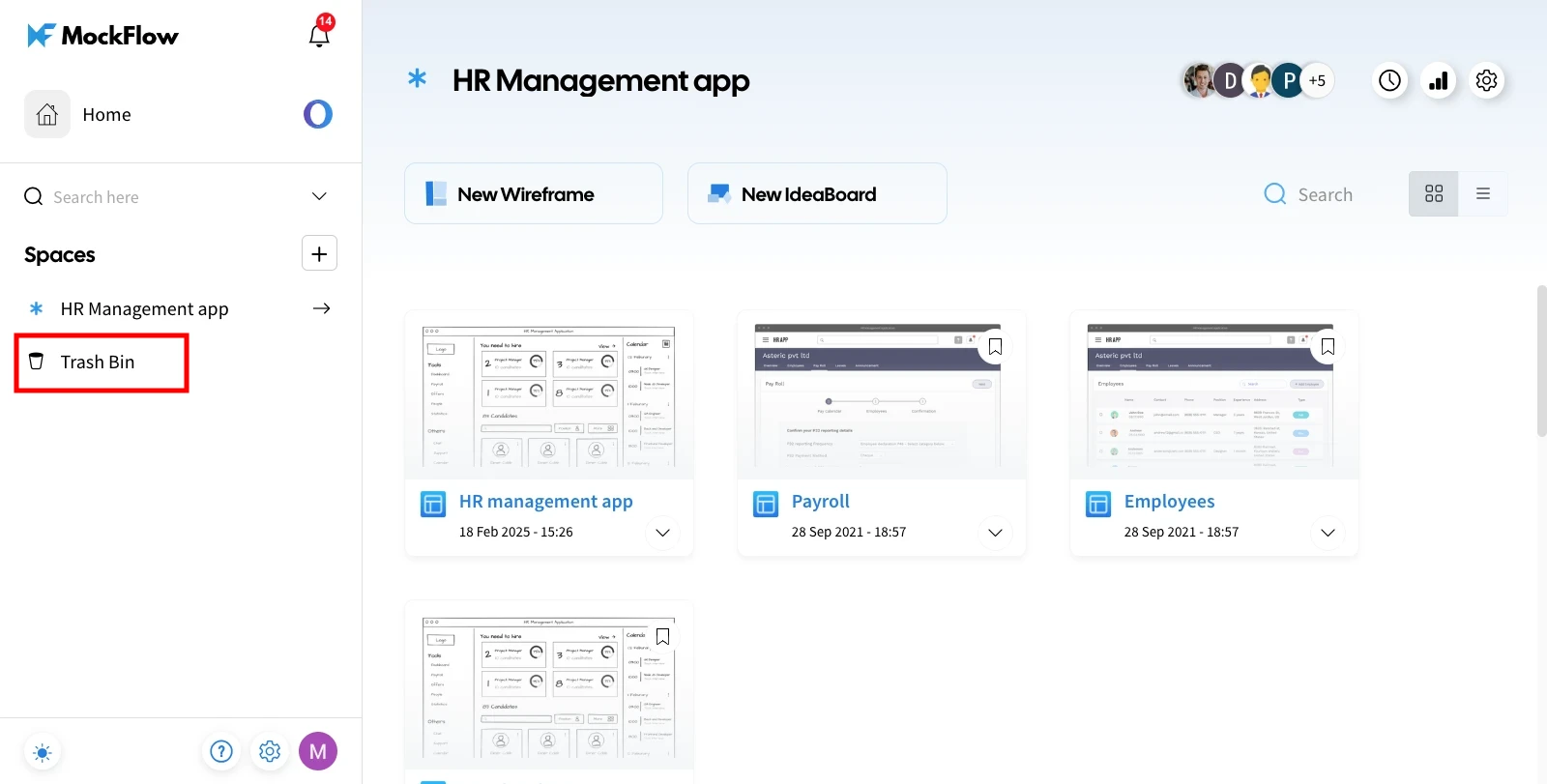
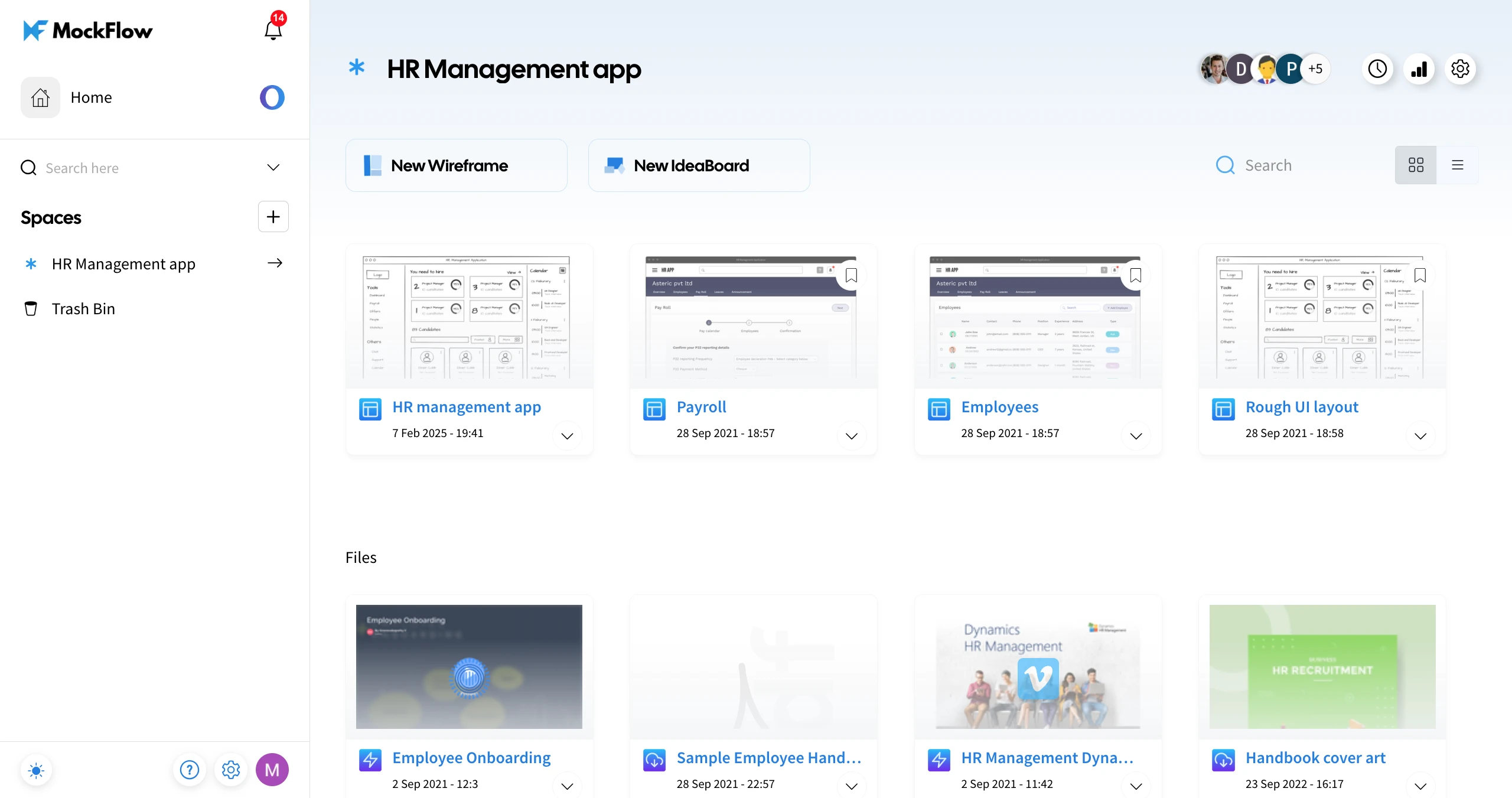
1In your MockFlow dashboard, navigate to the 'Trash Bin.'
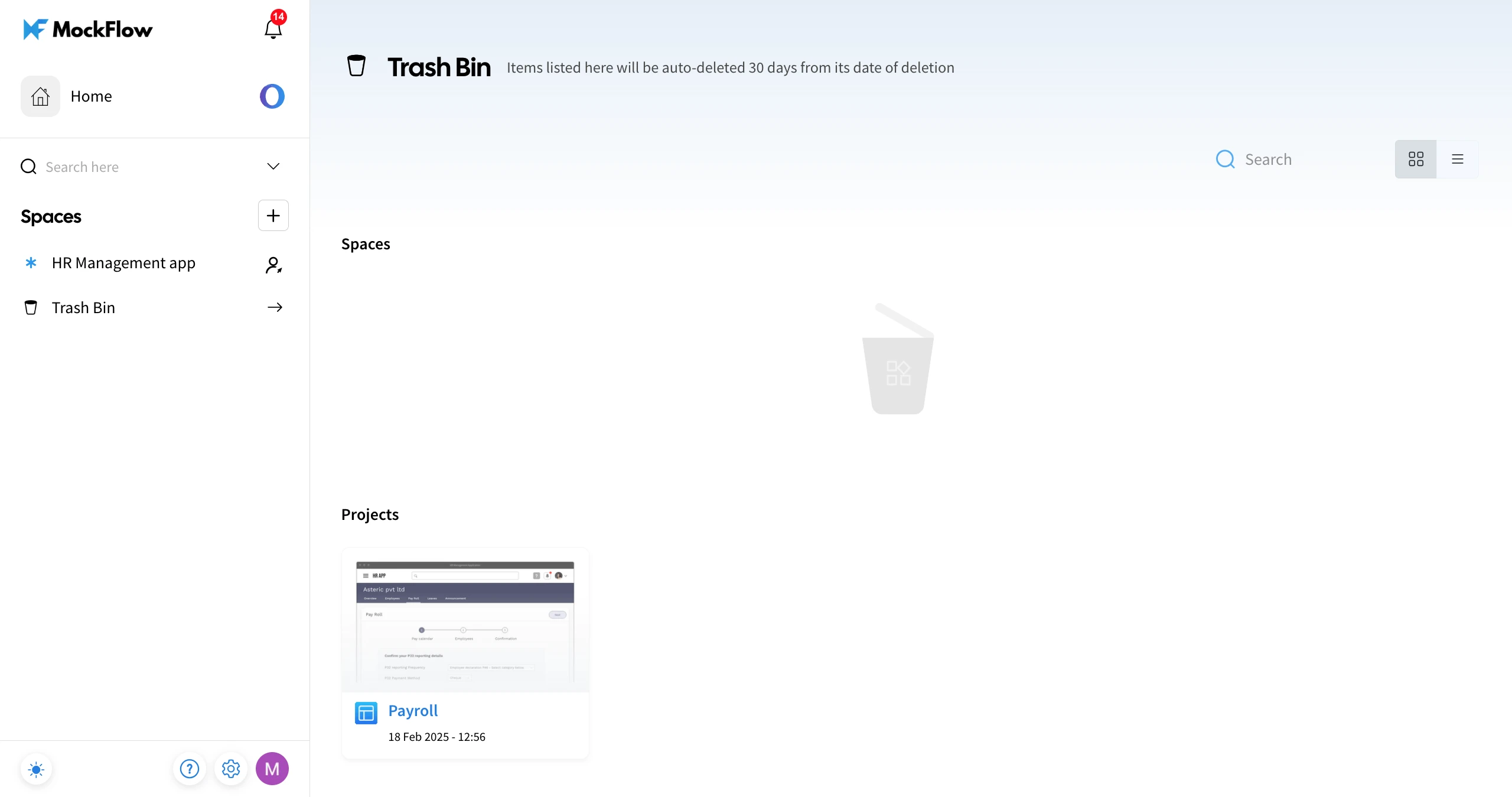
2The deleted items will be listed in the Trash Bin - categorised under Spaces and Projects.
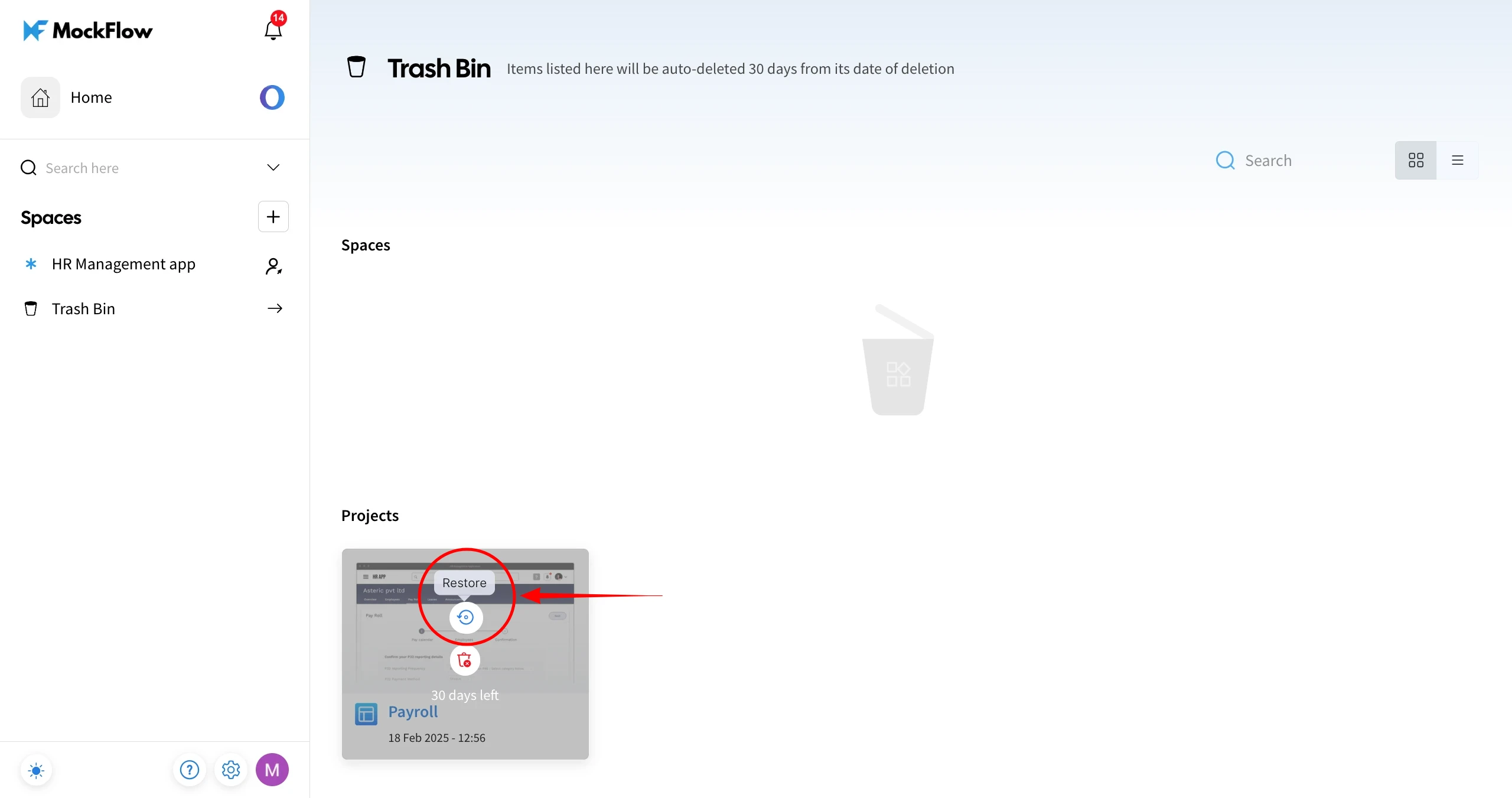
3Hover over the project you want to restore.
4Click the 'Restore' option to revert the deleted project back to the Design Space from where it was deleted.
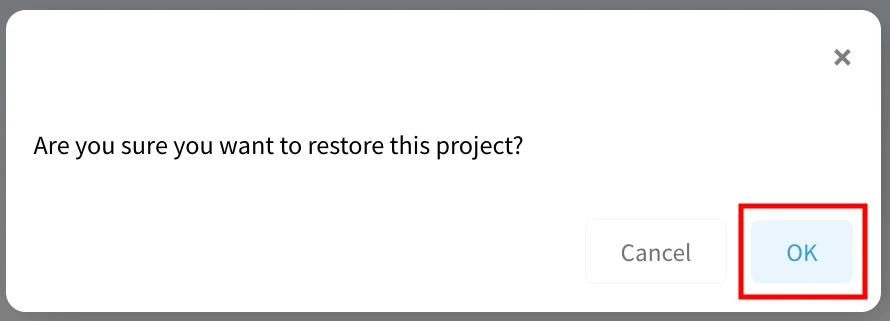
5Confirm by clicking 'OK' in the confirmation alert.
6The project will be restored to its respective Design Space.
Note - Items in the trash bin will be permanently deleted after 30 days and cannot be restored.


