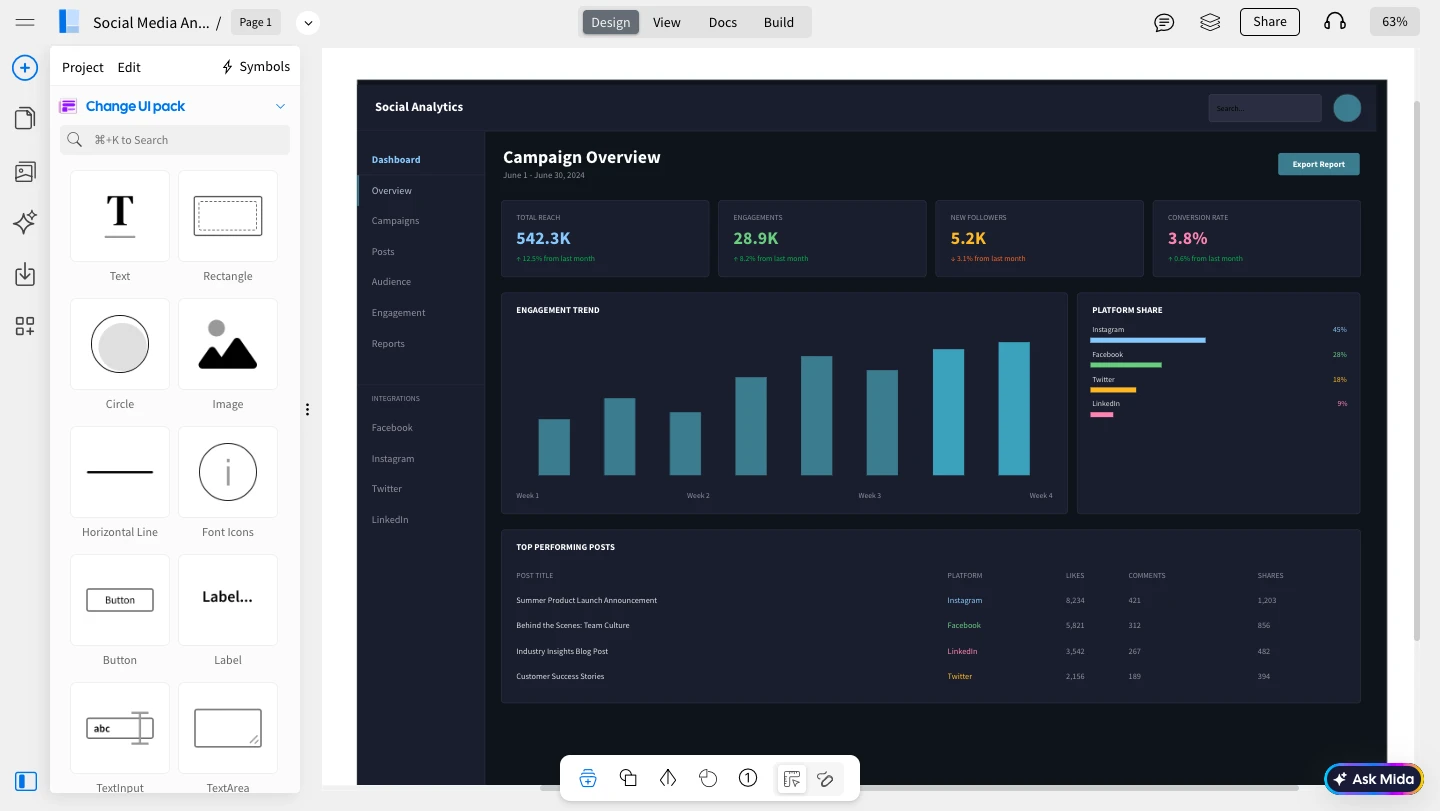
You can connect the WireframePro MCP Server to VS Code using either the MockFlow Desktop App or the CLI Web MCP.
Method 1: MockFlow Desktop App
1Install and open the MockFlow Desktop App. Log in and create a Wireframe project.
2Next, open VS Code and in the Explorer section, create a folder named
.json.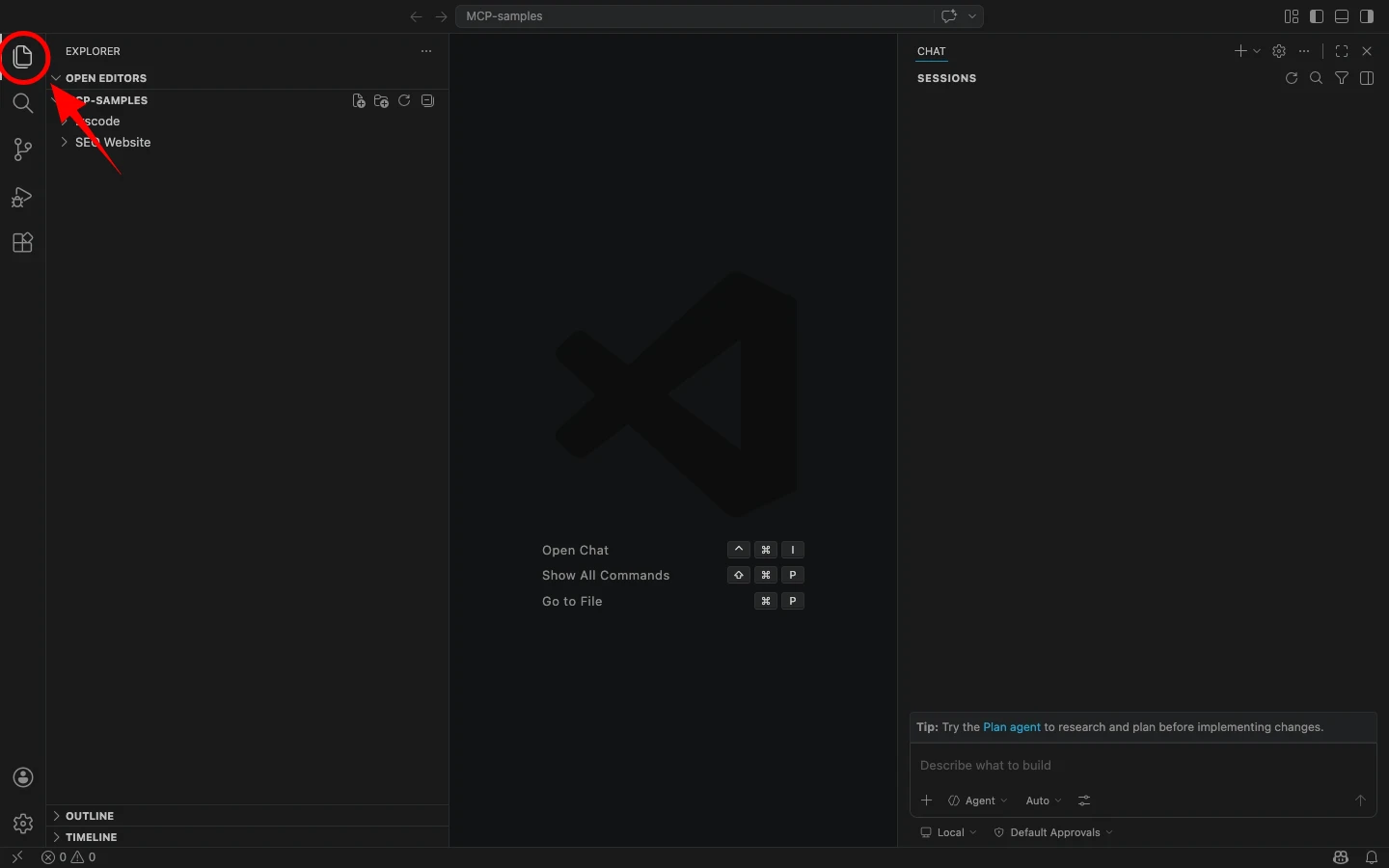
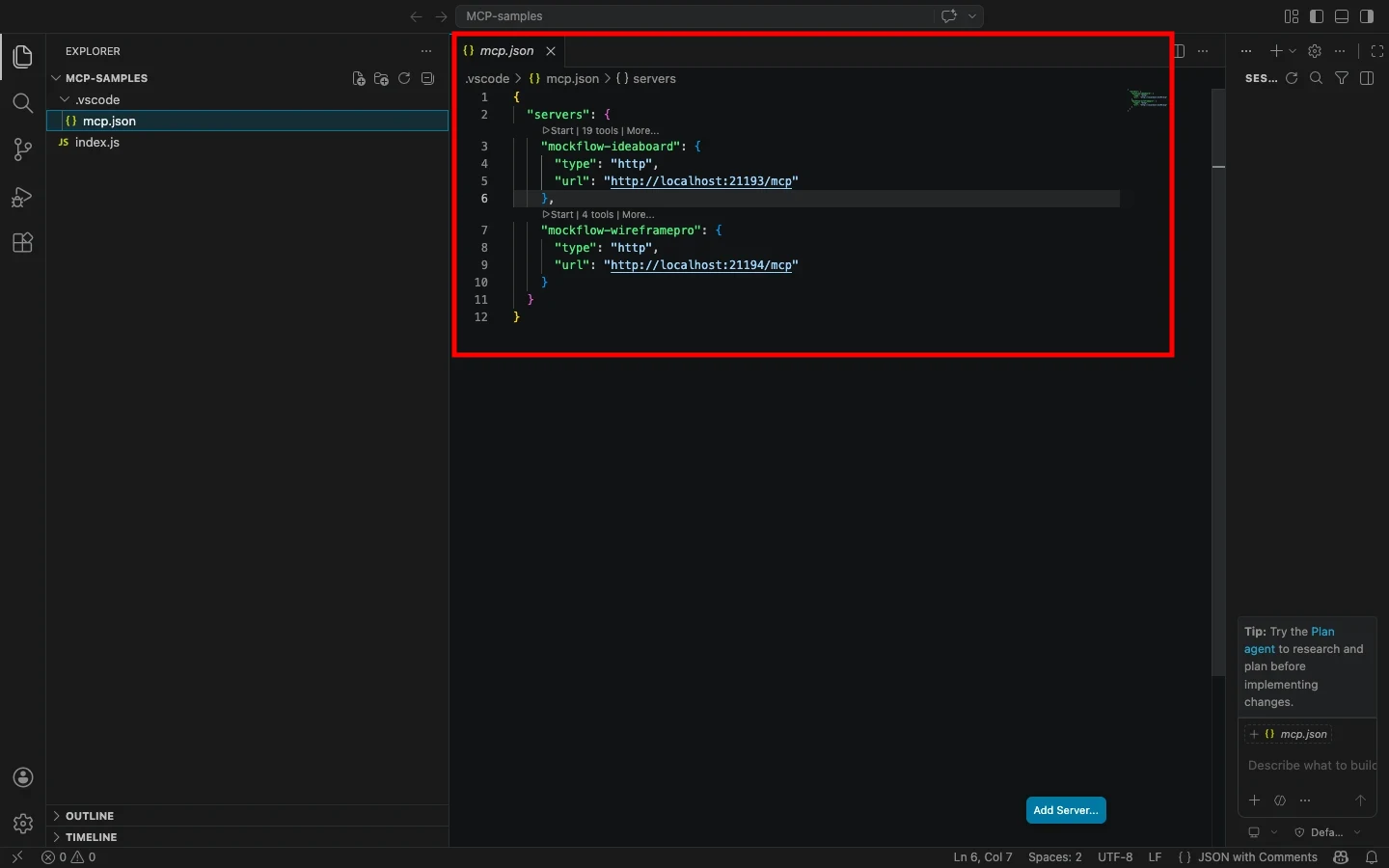
3Now, paste the following configuration:
{ "mcpServers": { "mockflow-wireframepro": {"url": "http://localhost:21194/mcp"
}
}
}
4Once added, the MCP server will automatically connect to the running Desktop App.
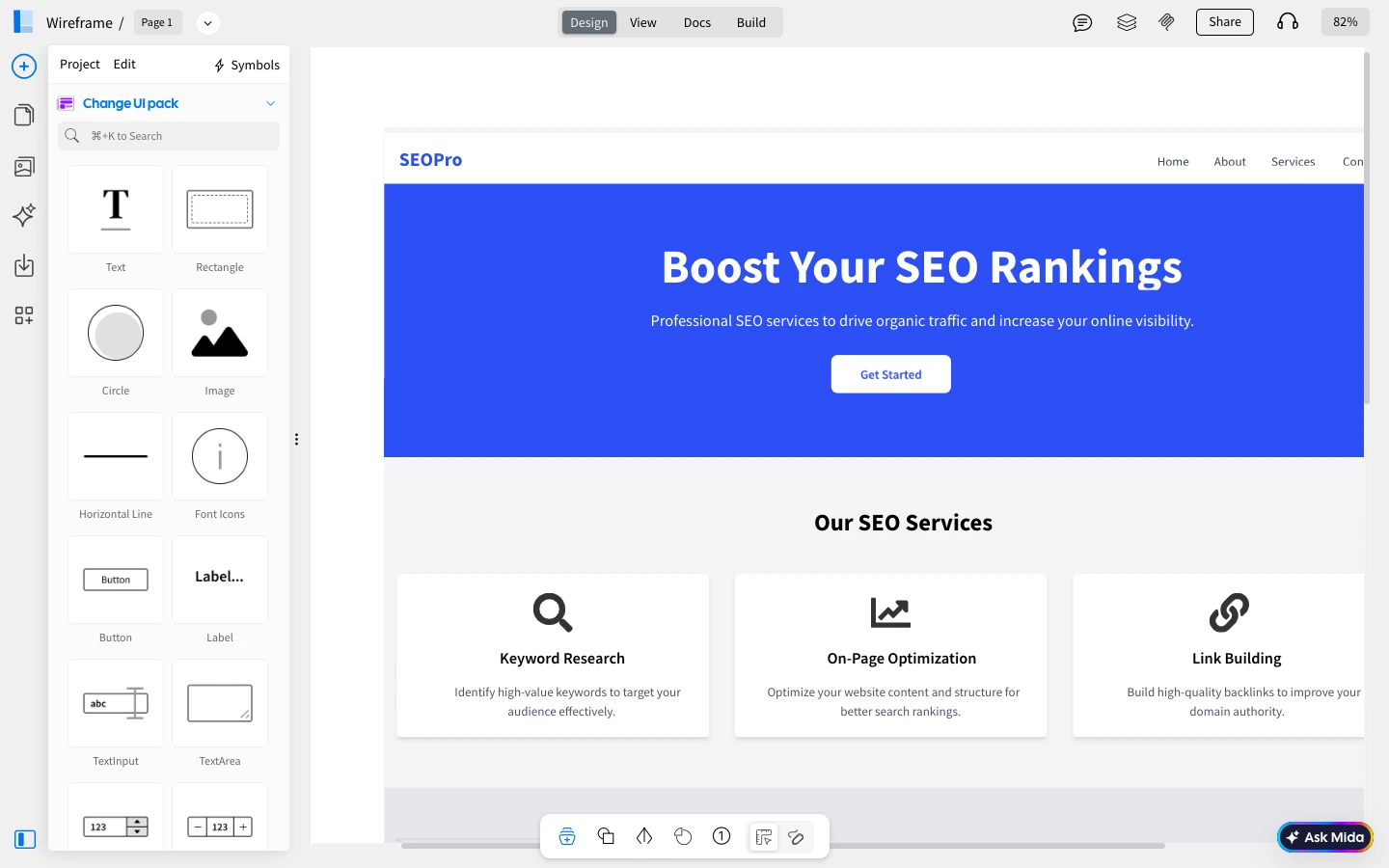
5You can now enter a prompt in Cursor, such as “Create a Wireframe for an SEO Company,” and run it.
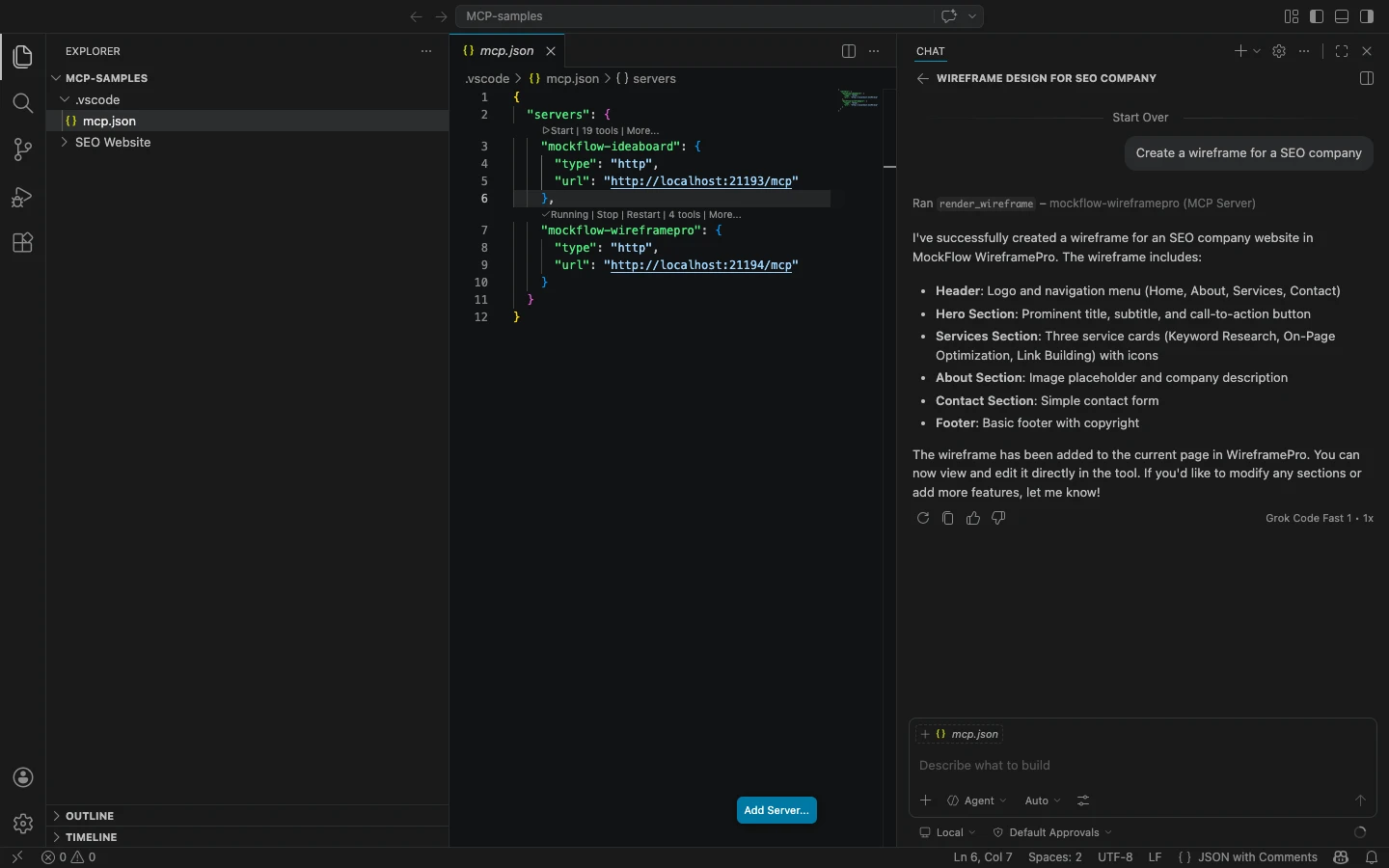
5The generated wireframe will instantly appear in your MoCkFlow Desktop app WireframePro canvas.
Method 2: CLI Web MCP
1Begin by installing the MCP package globally using npm:
npm install -g @mockflow/wireframepro-mcp
2Then log in and start the MCP server:
mockflow-wireframepro-mcp login
mockflow-wireframepro-mcp
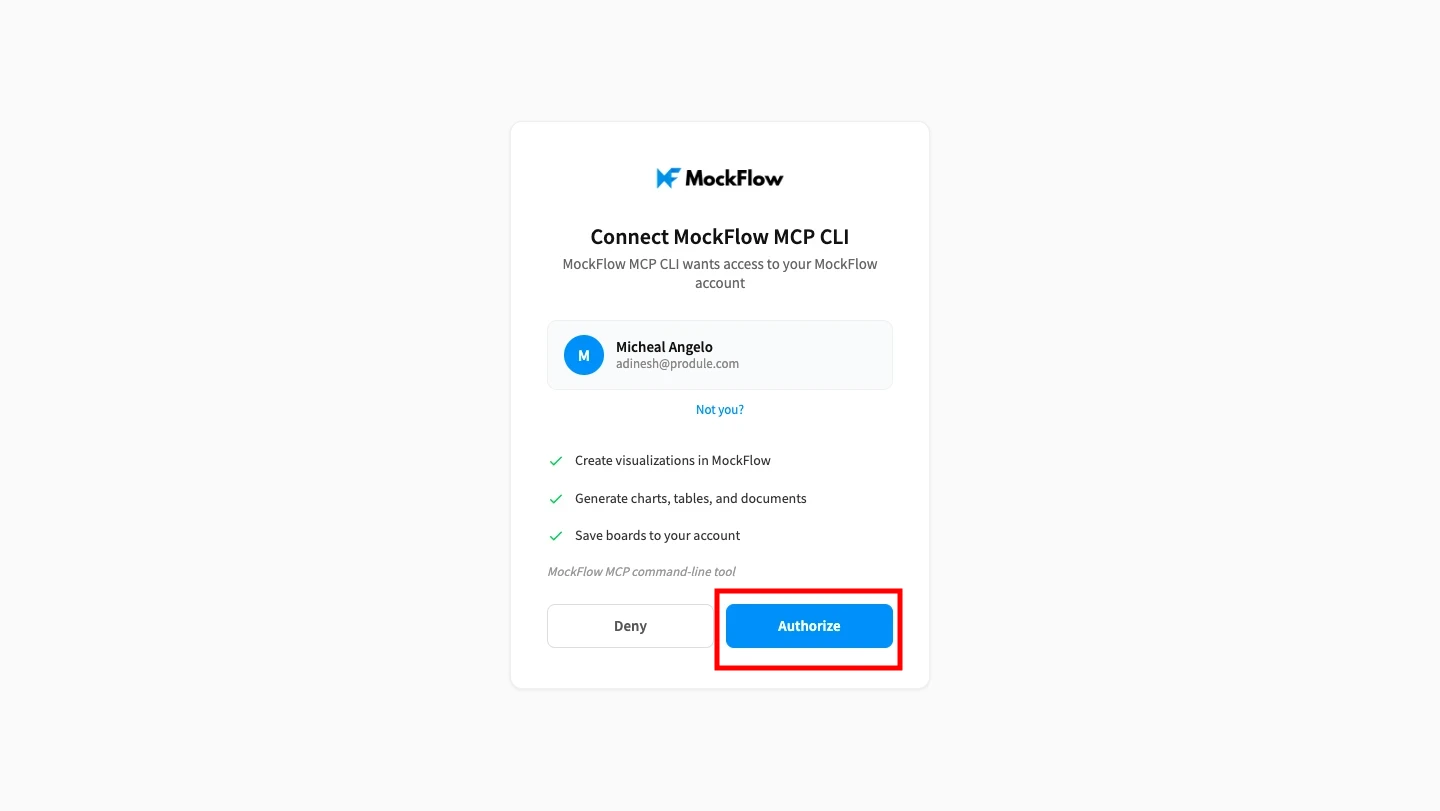
3Next, click on 'Authorize' to connect MockFlow MCP with VS Code.
4If you want to work within a specific workspace, you can optionally run:
mockflow-wireframepro-mcp --space=YOUR_SPACE_ID
5Now, inside your VS Code, under the explorer section, create a folder .json
6Paste the same configuration as in the above method, then save it to complete the setup.
{ "mcpServers": { "mockflow-wireframepro": {"url": "http://localhost:21194/mcp"
}
}
}
7Now, enter a prompt like “Create a wireframe for a dark mode social media analytical dashboard" in VS Code.
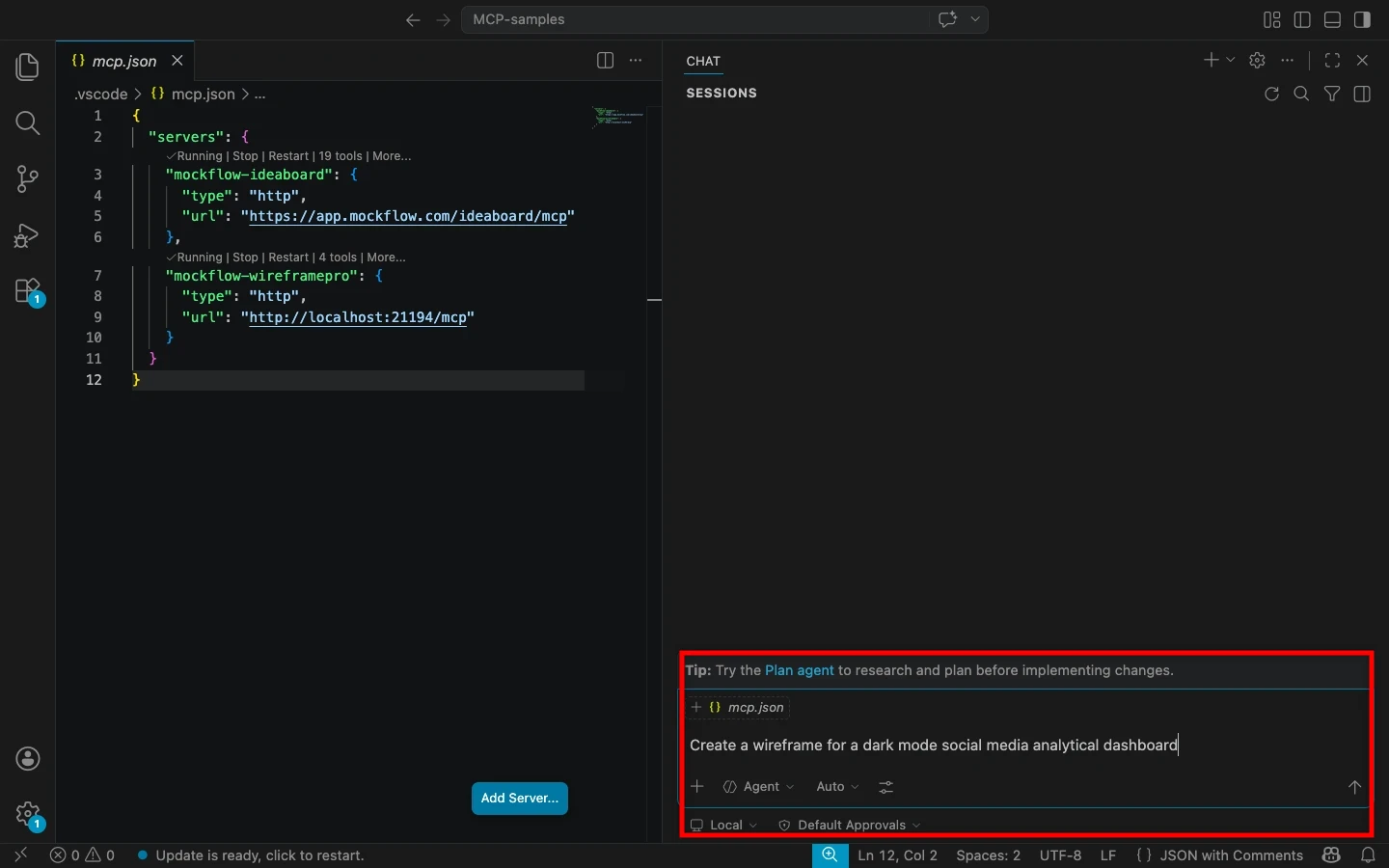
8The MCP server will process your request and generate the wireframe inside MockFlow.