Available in:
Basic
WireframePro
IdeaBoard
Bundle Plan
Enterprise
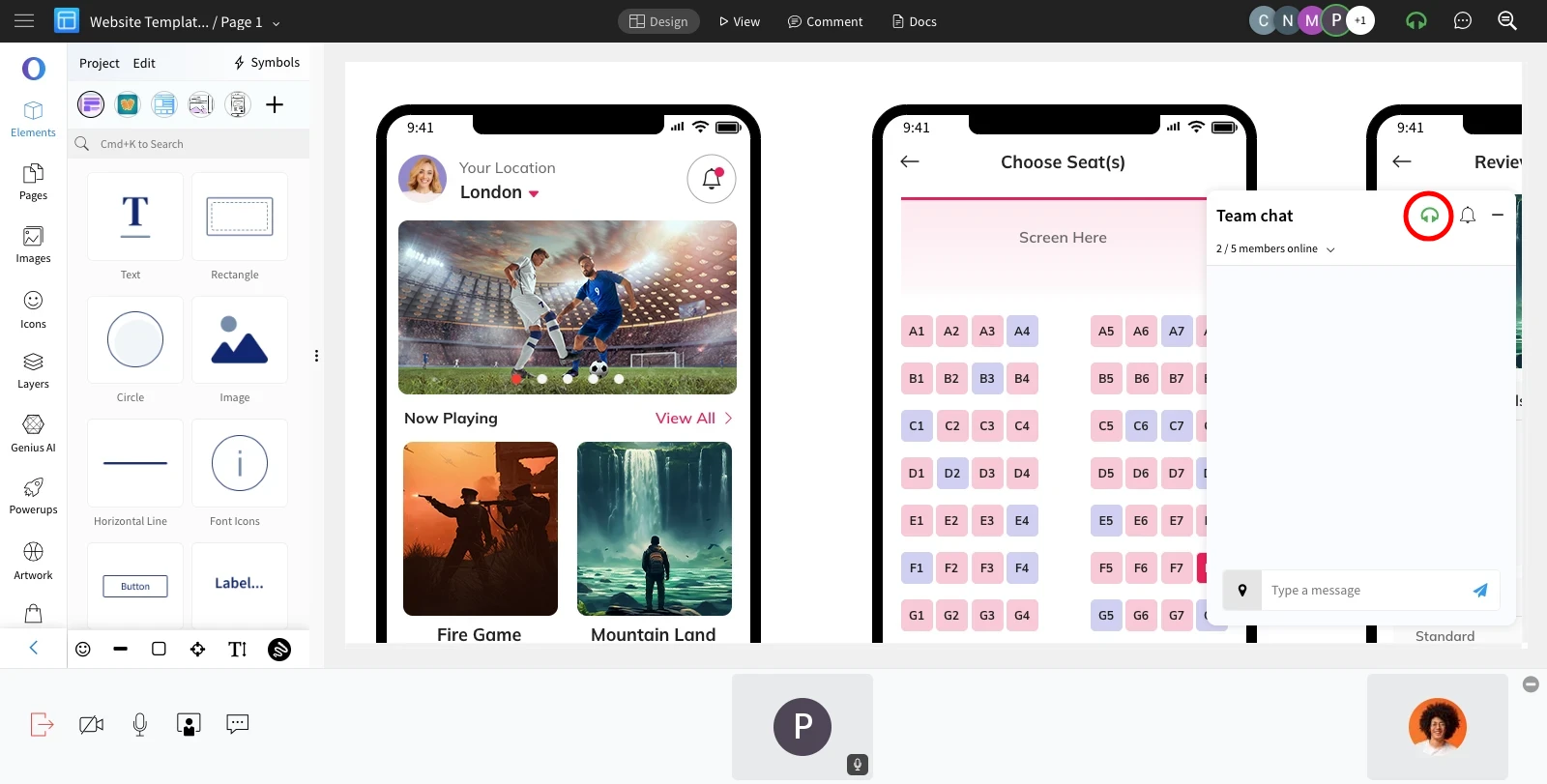
MockFlow now offers real-time call alerts for in-design video meetings, keeping your team informed and preventing missed calls. Follow these steps to enable real-time call alerts for your teammates.
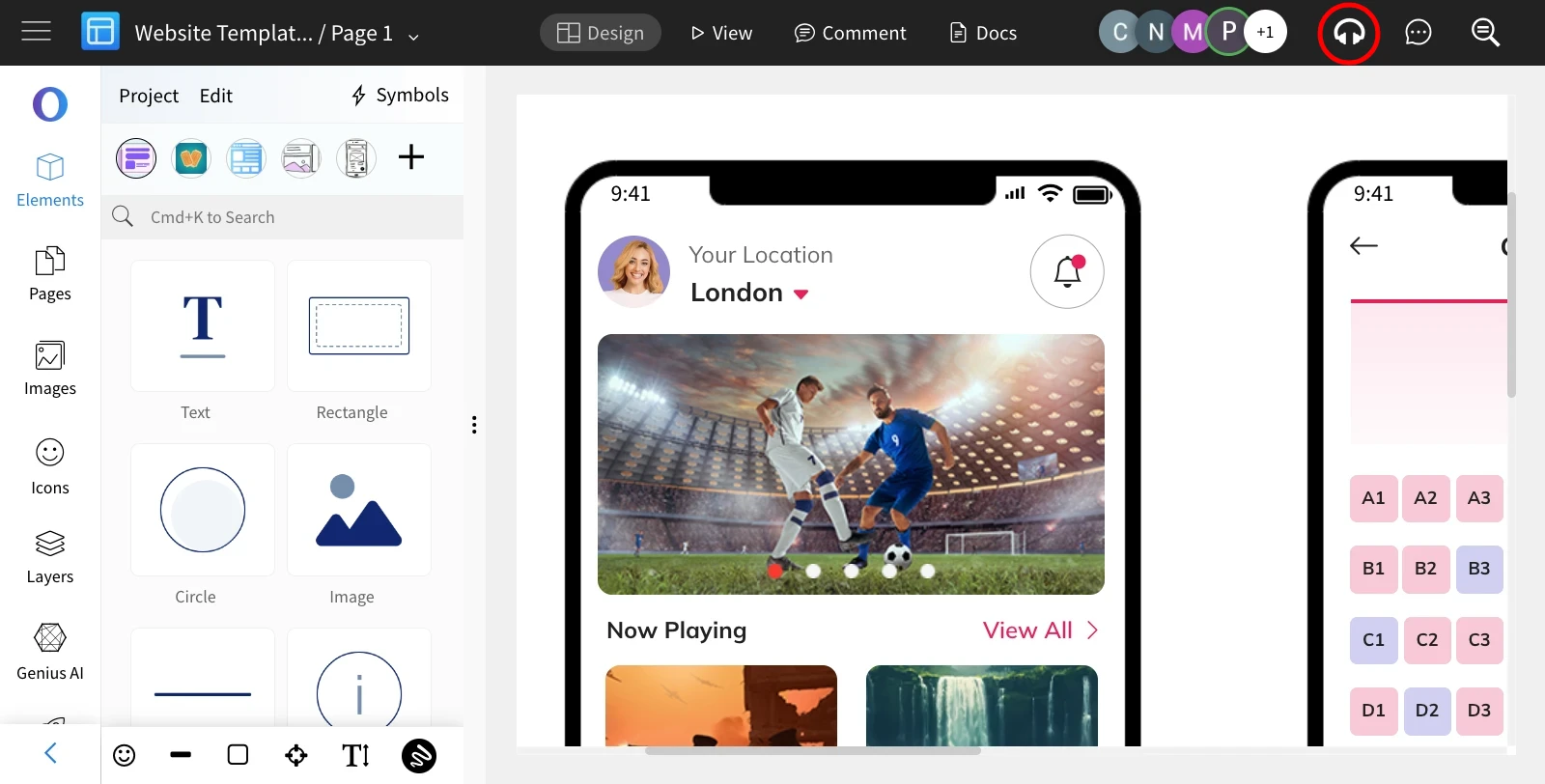
1Inside the editor, click the 'Start Meeting' icon in the top right.
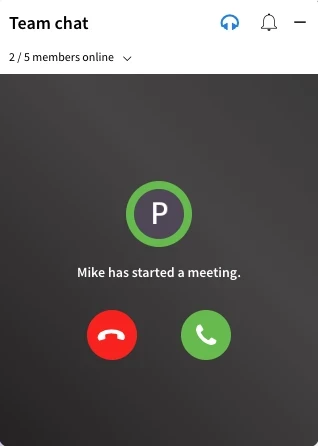
2All project members will receive real-time call alerts with options to either join or decline the meeting.
3When the call is joined, it will switch to video conferencing.
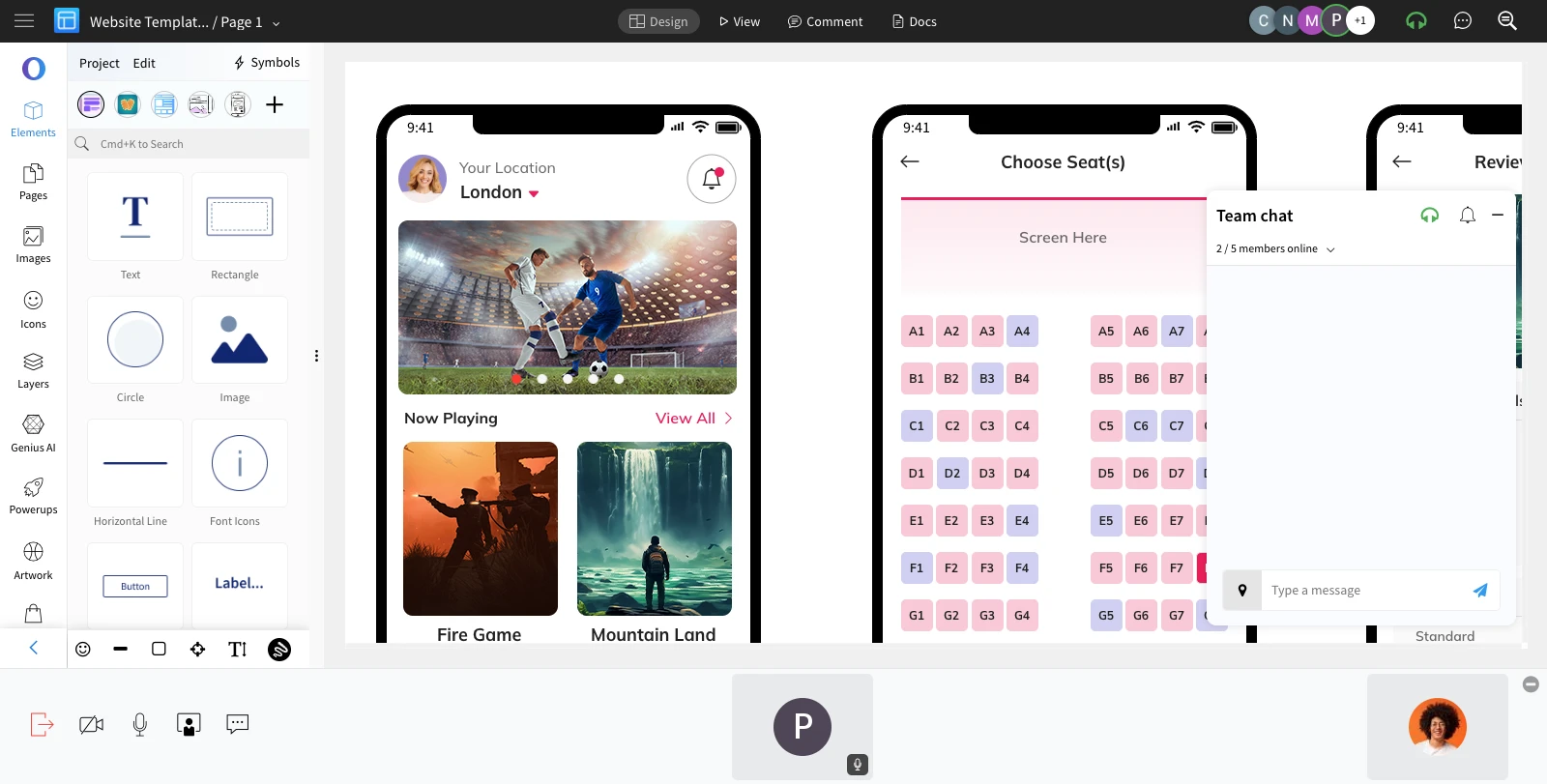
4To exit the meeting, click the 'Exit Meeting' icon at the top or from the team chat.